YouTube Subtitle Downloader
Subtitle Files

YouTube Subtitle Downloader

A YouTube subtitle downloader that takes a video link and hands back the caption track as a file, timed correctly and ready to load into a player or an editor.

  • SRT and VTT caption files
  • Any language on the video
  • Cue timing preserved exactly
  • Works from a video link
Download Subtitles

What Subtitle Files Are For

Captions on a platform are rented. A file is yours.

Subtitles that live inside a video player are convenient and completely stuck there. They cannot be opened in an editor, corrected, translated properly, or carried to another platform, and they vanish when the video does. Anyone working with video eventually needs the caption track as an ordinary file. A YouTube subtitle downloader produces exactly that. The subtitles come out in the standard SRT or VTT format, with the timing intact, ready to be loaded beside the video anywhere it is played.

What the Subtitle Downloader Produces

Formats, languages, and the timing that makes a caption file usable.

SRT and VTT output

Both formats most players and editors expect, produced from the same video in a single pass.

Any language on the video

Every subtitle track an upload carries can be pulled separately, including translations added by the channel.

Timing left alone

Cue start and end times come across unchanged, so a subtitle sits on screen exactly when it did before.

Read from the link

A video URL is all the input needed, whether the captions were published by the channel or generated automatically.

Built from audio if needed

Where a video has no usable track, subtitles can be generated from the speech and downloaded in the same formats.

Plain text as well

The same content can come out as unformatted text when the destination is a document rather than a player.

YouTube Subtitle Downloader

YouTube Subtitle Downloader

@tiktranscript

Auto captions are not a subtitle file

A platform's automatic captions are a stream played inside the player, not a document you can open. They also arrive broken: names mangled, punctuation absent, and long speeches split at odd points. Downloading them is a starting point rather than a finished job, and the file then has to be read through at least once before it is used in public anywhere.
Pull Out the Caption Track

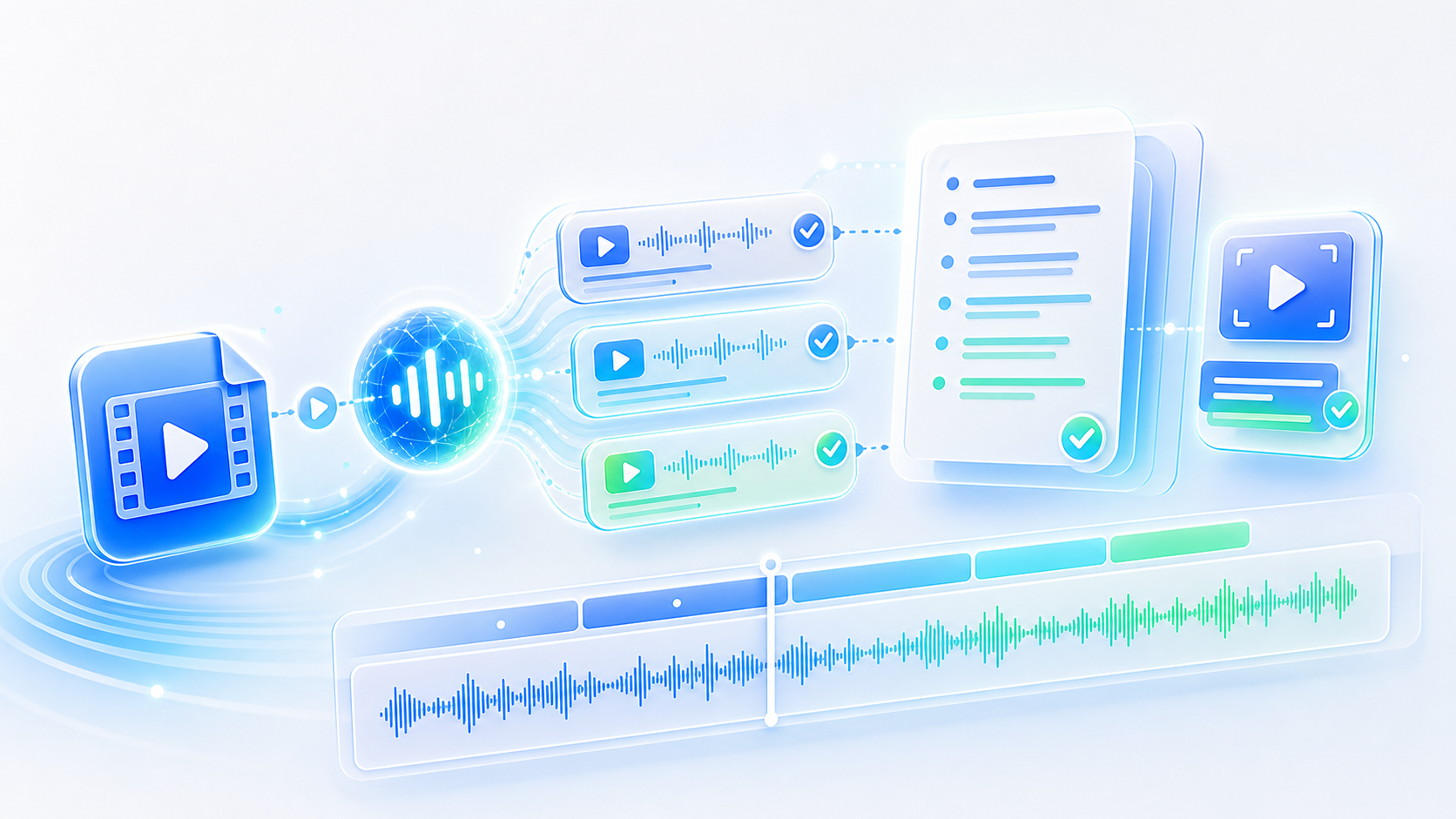
Poor automatic captions compared with a corrected subtitle file
YouTube Subtitle Downloader

YouTube Subtitle Downloader

@tiktranscript

Watching offline without the video

A subtitle file plus an audio track is often enough to follow material without a connection. Downloading both while the network is available means a lecture series, a set of interviews, or a documentary can be studied on a flight, on a train, or anywhere the signal dies. The words travel a great deal lighter than the video does.
Pull Out the Caption Track
Audio and a subtitle file used together without a connection
YouTube Subtitle Downloader

YouTube Subtitle Downloader

@tiktranscript

Editing a video you did not shoot

Clips borrowed for a montage, a review, or a lesson usually arrive without captions attached. Loading a downloaded SRT into the editor means the existing speech is already synchronised and only needs cutting, rather than being retyped line by line from listening. On anything longer than about a minute, that difference is the whole afternoon's work.
Pull Out the Caption Track
A subtitle file loaded into a video editor timeline
YouTube Subtitle Downloader

YouTube Subtitle Downloader

@tiktranscript

Checking a translation

Where a video ships several subtitle languages, comparing them is quick once the files are downloaded. Discrepancies stand out immediately, and a track that was clearly machine translated shows itself within the very first paragraph. For anyone publishing in more than one language, having the files side by side is the cheapest possible quality check.
Pull Out the Caption Track
Two language versions of one subtitle file compared line by line
YouTube Subtitle Downloader

YouTube Subtitle Downloader

@tiktranscript

Formats are less interchangeable than they look

SRT is plain and widely supported, and almost every editor accepts it. VTT carries a little more styling and suits the web. Choosing wrongly usually surfaces at the last minute, when a player quietly ignores a file it does not understand. Downloading both costs nothing and removes the guesswork entirely from the outset.
Pull Out the Caption Track
SRT and VTT files shown side by side with their differences
YouTube Subtitle Downloader

YouTube Subtitle Downloader

@tiktranscript

Your own uploads deserve their files

Creators rarely keep the subtitle files for their own videos, which means every re-upload starts from nothing. A YouTube subtitle downloader makes an archive possible in a single afternoon: one folder, one file per video, and captions that can be corrected once and then reused rather than regenerated badly every time. Archive the captions and they can be re-uploaded, corrected, or handed to a translator without the original video being involved at all.
Pull Out the Caption Track
A folder of subtitle files kept for a channel archive

How to Download Subtitles From YouTube

Three steps from a video link to a caption file on disk.

Step 1

Paste the video link

Add the URL of the video whose subtitles you need, whether it is a lecture, a film clip, or your own upload.

Step 2

Choose the language

Pick from the tracks the video carries, or generate a fresh one from the audio if nothing usable exists.

Step 3

Save the file

Export as SRT or VTT and the caption file downloads, ready to load into a player or a video editor.

Who Downloads Subtitle Files

Four people who needed captions as files rather than as a player feature.

KN

Krzysztof Nowak

Video Editor

I work with archive footage constantly and a YouTube subtitle downloader saves me retyping every interview by hand. The SRT file drops straight onto the timeline without any cleanup.

DE

Dana Ellis

Translator

Starting from the existing subtitle file rather than the audio halves the work. Timing is already done, and I only have to replace the words themselves.

MS

Miguel Santos

Film Student

I download subtitles for films we study and keep them side by side with the dialogue in the original language. Comparing the two versions is how the course is taught from week to week.

AN

Aiko Nakamura

Channel Manager

Every video we have ever posted now has an SRT saved beside it. When we localise an old upload, the caption file is already sitting there waiting for us.

Questions About Downloading Subtitles

Answers on formats, languages, accuracy, and what the files can be used for.

Take the Captions With You

A subtitle file can be corrected, translated, and loaded anywhere. Download the track once and stop depending on a player to keep it available.

Pull Out the Caption Track
YouTube Subtitle Downloader

Captions Belong in a File

SRT and VTT, in the language you need, with the timing intact and the whole thing editable in any text editor.