MP4 to MP3 Converter
Video to Audio

MP4 to MP3 Converter

An MP4 to MP3 converter takes a video file, pulls the audio track out of it, and hands back an MP3, which is the format a car stereo or a phone will actually play.

  • MP4, MOV, and MKV
  • Picture discarded cleanly
  • Bitrate you choose
  • No video editing needed
Extract Audio From MP4

Most of a Video Is Not the Video

A concert, a lecture, an interview: the part you want is the sound.

A video file carries two streams, and usually only one is used. A two-hour lecture watched once will never be watched again, but the explanation inside is worth hearing a second time. A concert filmed at a festival is mostly a memento of the sound. An MP4 to MP3 converter separates the two. The picture is dropped, the sound is kept, and the result is a small file that plays anywhere the video would not.

What the Converter Pulls Out

Video sources, output settings, and the details that survive the extraction.

Common video containers

MP4, MOV, MKV, AVI, and WEBM files are all read for their audio track, whatever recorded or rendered them.

Sound kept at source quality

The audio stream is converted directly rather than re-recorded, so nothing is lost beyond the MP3 step itself.

Bitrate under your control

A light file for a phone or a fuller one for a sound system, chosen rather than fixed at a default.

Level adjusted if needed

Video sound is often mastered quietly, so a small boost can be applied while the audio is being extracted.

Full length, no clipping

Long recordings come out complete, from the first second to the last, with nothing trimmed at either end.

Several videos together

A folder of recordings can be handed over in one batch, which is what makes a lecture series practical.

MP4 to MP3 Converter

MP4 to MP3 Converter

@tiktranscript

Nothing is re-recorded, only separated

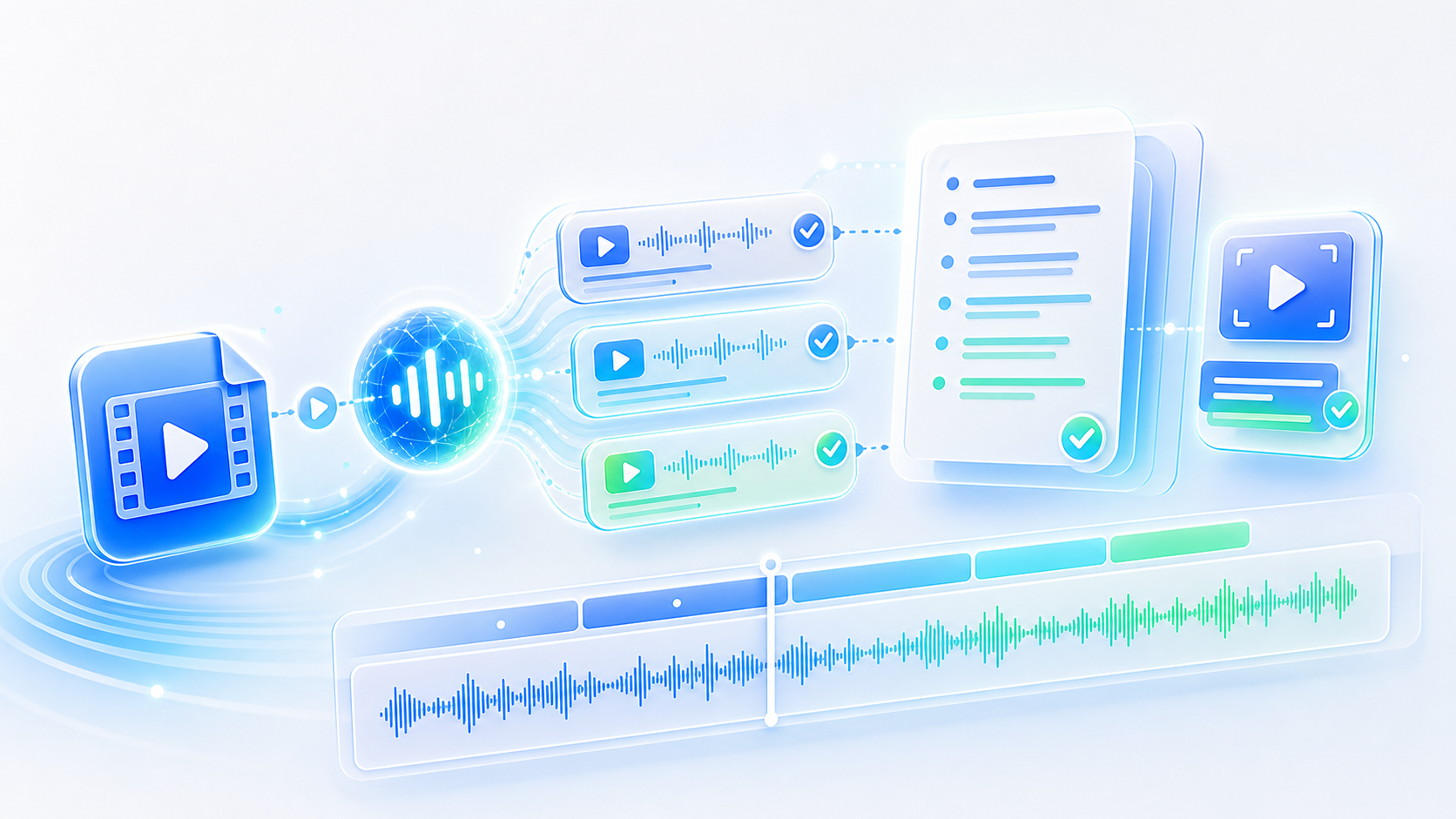
An MP4 to MP3 converter does not play the video and capture the sound coming out of it. It reads the audio stream where it already sits inside the container and re-encodes that, which is why the result is as good as the source and produced in seconds rather than in real time. The picture is simply not carried across into the output at all.
Pull the Audio Out
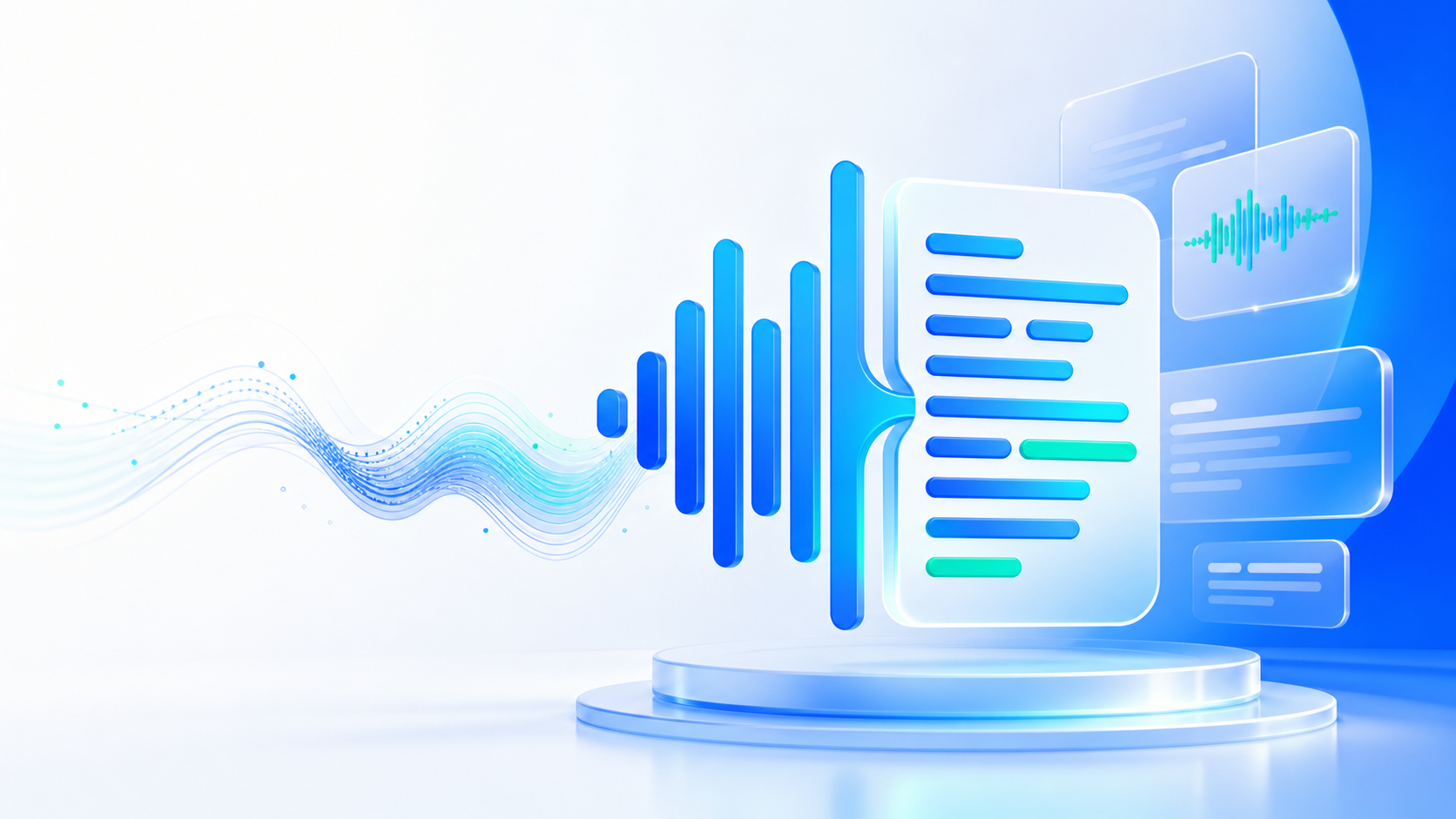

An audio stream separated from a video container
MP4 to MP3 Converter

MP4 to MP3 Converter

@tiktranscript

Video sound is usually quieter

Anything mixed for video and played back on a laptop comes out noticeably lower than a music track, because broadcast standards leave headroom that music does not respect. Pulling the audio and leaving the level untouched produces an MP3 that has to be turned up past where everything else sits. A modest gain during conversion fixes it once, permanently.
Pull the Audio Out
A quiet video soundtrack raised to match a music track
MP4 to MP3 Converter

MP4 to MP3 Converter

@tiktranscript

Where the audio was already lossy

An MP4 downloaded from a platform usually carries compressed audio at a modest bitrate, and converting it to a high bitrate MP3 does not restore anything. The file gets larger and sounds the same. Where the source was compressed once already, converting at 192 kbps rather than 320 keeps the size sensible without pretending detail has been recovered.
Pull the Audio Out
A compressed video soundtrack converted without gaining detail
MP4 to MP3 Converter

MP4 to MP3 Converter

@tiktranscript

Splitting a long recording

Pulling two hours of audio out of a webinar gives back two hours of MP3, which is not much use as a single file. Cutting the video into chapters before extracting, or splitting the MP3 afterwards, produces pieces that can be found again. Where the file is longer than an episode of anything, it is worth the extra step.
Pull the Audio Out
A long webinar recording divided into shorter audio parts
MP4 to MP3 Converter

MP4 to MP3 Converter

@tiktranscript

Screen recordings are usually speech

Demonstrations, walkthroughs, and recorded meetings all carry a commentary that is the actual content of the file. Watching them again to hear one explanation is an expensive way to find it. An MP4 to MP3 converter turns a folder of screen recordings into something that can be listened to on the way to work, where the visuals were never being used anyway.
Pull the Audio Out
A screen recording listened back to as audio only
MP4 to MP3 Converter

MP4 to MP3 Converter

@tiktranscript

Keeping the video as well

Extraction leaves the original untouched, and it is worth keeping. The audio is convenient for listening, while the video remains the version with captions, slides, and anything that was demonstrated visually. Treating the MP3 as a companion to the video rather than a replacement is what makes the conversion genuinely useful instead of merely smaller.
Pull the Audio Out
An extracted MP3 kept alongside the original video file

How to Convert MP4 to MP3

Three steps between a video file and its audio.

Step 1

Add the video

Drop in the MP4 or any other video file; the audio inside it is read directly without any editing software.

Step 2

Choose bitrate and level

Set the quality for wherever the file is going, and lift the volume a little if the video was mastered quietly.

Step 3

Take the MP3

Download the extracted audio as an MP3 and leave the original video exactly where it was.

Who Extracts Audio From Video

Four people with video files they only wanted the sound from.

RW

Rachel Whitmore

Postgraduate Student

Recorded lectures are two hours long and I only need the argument. An MP4 to MP3 converter gives me something I can actually listen to on the bus.

EY

Emre Yilmaz

Music Teacher

Students send performances as video. I pull the audio out so I can listen between lessons without opening a video player every time.

SN

Sarah Nolan

Fitness Instructor

Class recordings live on video, but my clients want the music and cues on their phones. Extracting the audio was the only thing standing in the way.

NC

Nathan Cole

Sales Trainer

We record every onboarding session. Turning those videos into MP3s means new starters can listen on the commute before their first week even starts.

Questions About MP4 to MP3

Answers on formats, quality, length, and what happens to the original video.

Keep the Sound, Lose the Picture

A lecture, a session, a performance filmed once: an MP4 to MP3 converter turns the recording into audio you can play anywhere, in seconds.

Pull the Audio Out
MP4 to MP3 Converter

Two Streams, One Worth Keeping

The audio pulled cleanly out of the video, saved as an MP3 that plays in a car, on a phone, or anywhere else.