Speech to Text
Speech to Text

Speech to Text

A speech to text converter that takes live talk or a stored recording and returns written words with punctuation and speaker turns, working in the browser.

  • Live capture and recorded speech
  • Punctuation and casing added for you
  • Speaker turns separated
  • Export TXT, SRT, VTT, Word
Convert Speech to Text

Where a Speech to Text Converter Helps

The same words, moved from the air into a document.

Spoken language is convenient to produce and awkward to store. A meeting, a lecture, or a briefing leaves behind an audio file that has to be played from the beginning to be understood, and the detail worth keeping is scattered through it. A speech to text converter takes that sound and sets it down as writing, in order, with the timing attached. What was spoken for a room becomes something a person can read, search, and quote from later.

What the Speech to Text Converter Does

From a microphone and from an audio file, delivering the same written result.

Live from the microphone

Speech is written as it is spoken, which suits a talk, a demo, or any session that is already happening.

Stored recordings too

Existing audio goes in as MP3, WAV, M4A, or AAC and comes back as text without a re-recording.

Punctuation and casing

Sentence breaks, question marks, and capital letters are inferred from delivery rather than left for you.

Speakers kept apart

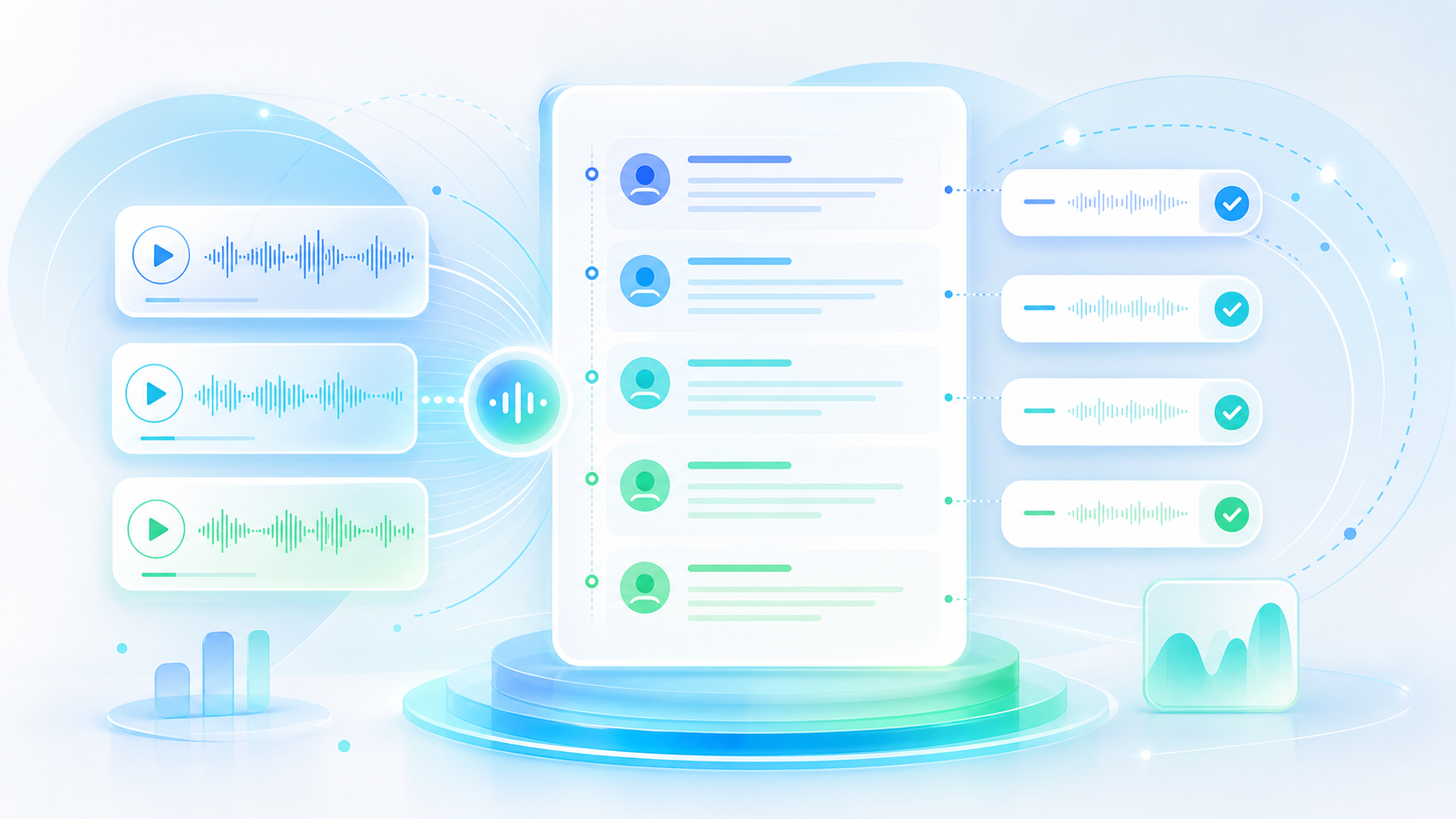
A conversation returns as labelled turns, so a panel or an interview stays readable line by line.

Caption files included

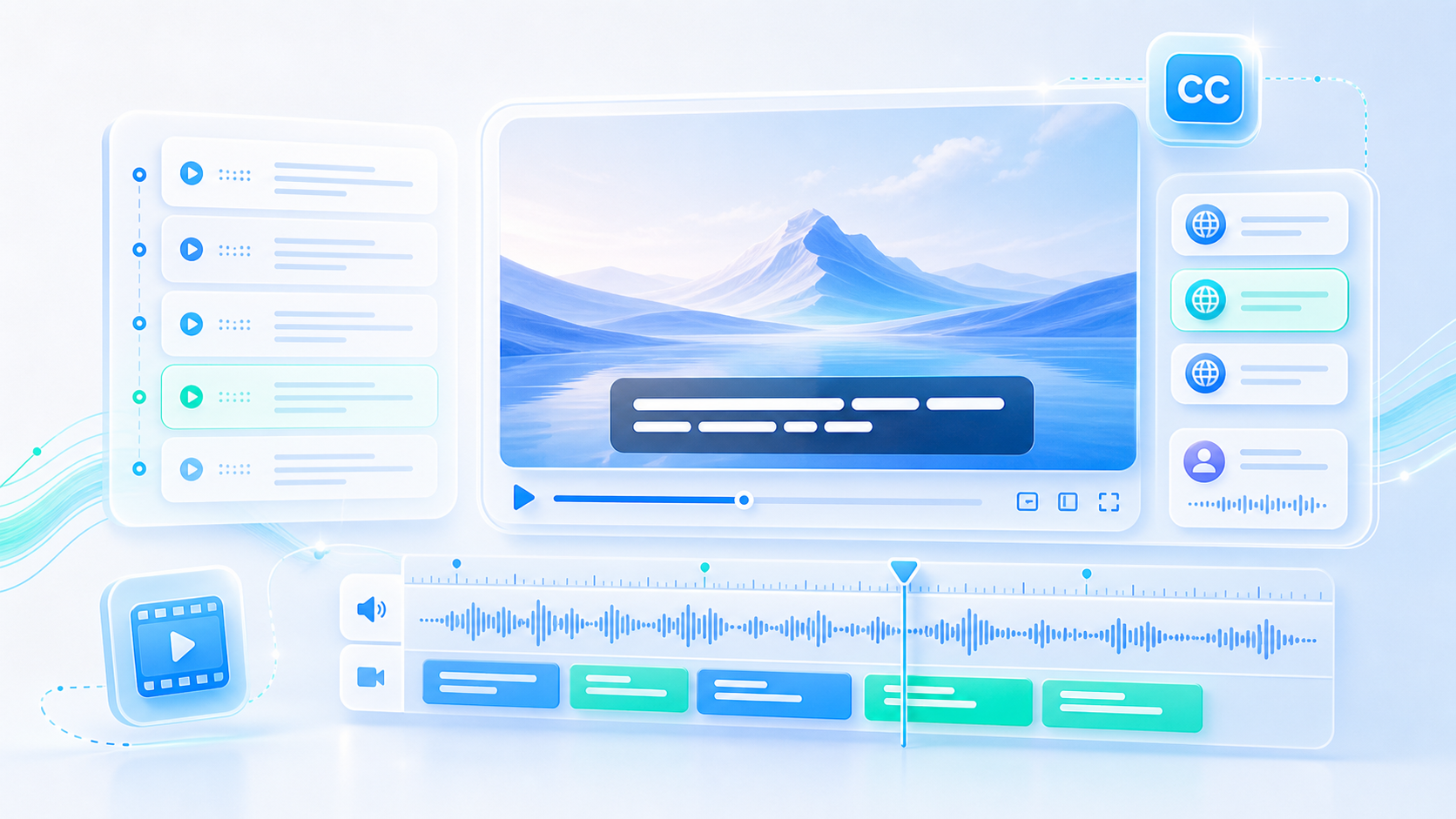
Export SRT or VTT and the speech becomes a subtitle track that lines up with the video it belongs to.

Readable and searchable

The result behaves like any document: find a phrase in seconds instead of scrubbing through an hour of audio.

Speech to Text

Speech to Text

@tiktranscript

Live speech and recorded speech differ

A microphone delivering words in the present allows no second attempt, so a result made live trades a little polish for immediacy. A recording can be processed at whatever pace is needed, and the file can be replayed whenever a line looks doubtful. Both routes arrive in the same place; only the amount of patience involved changes between them.
Write Down What Was Said
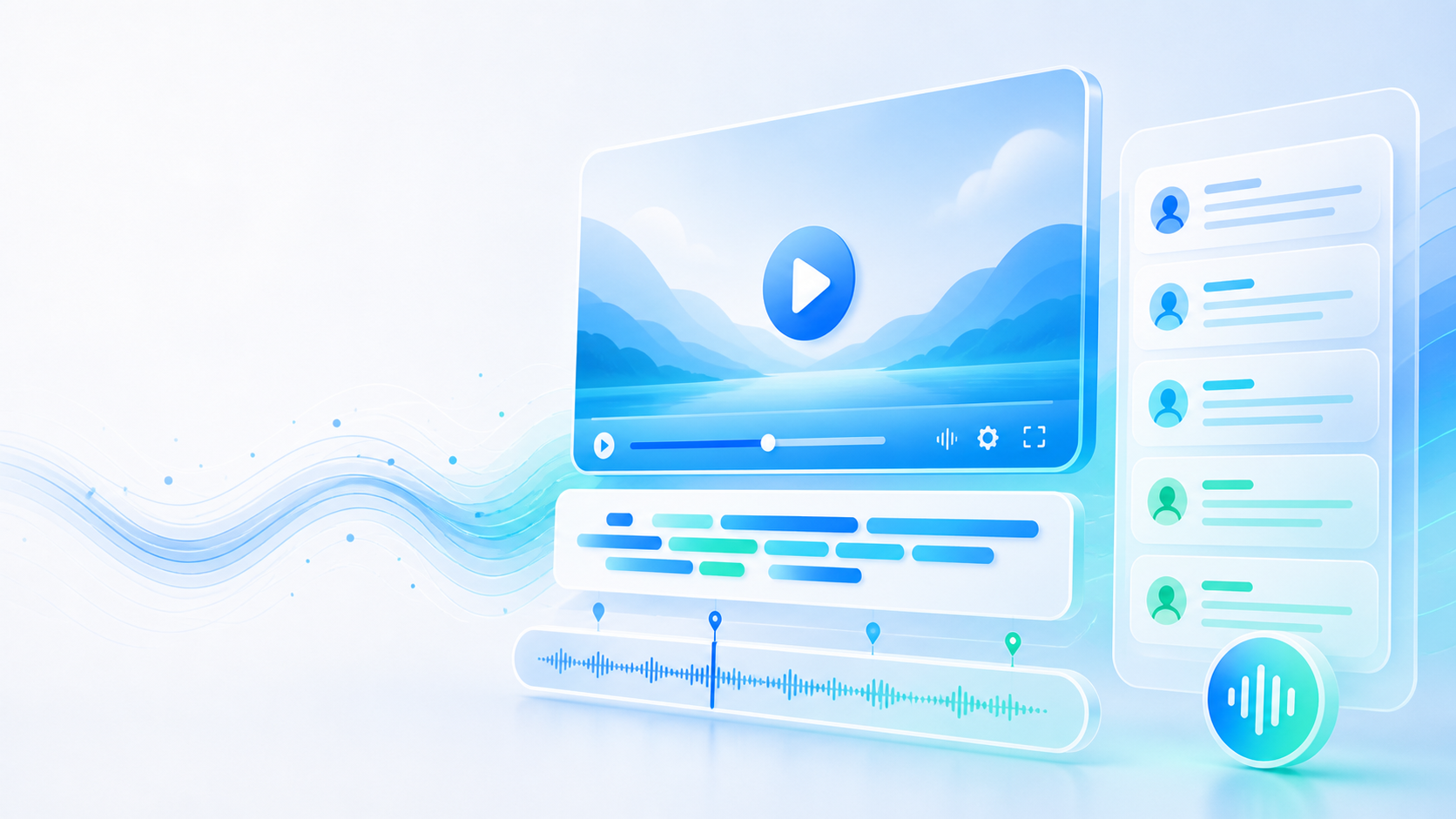
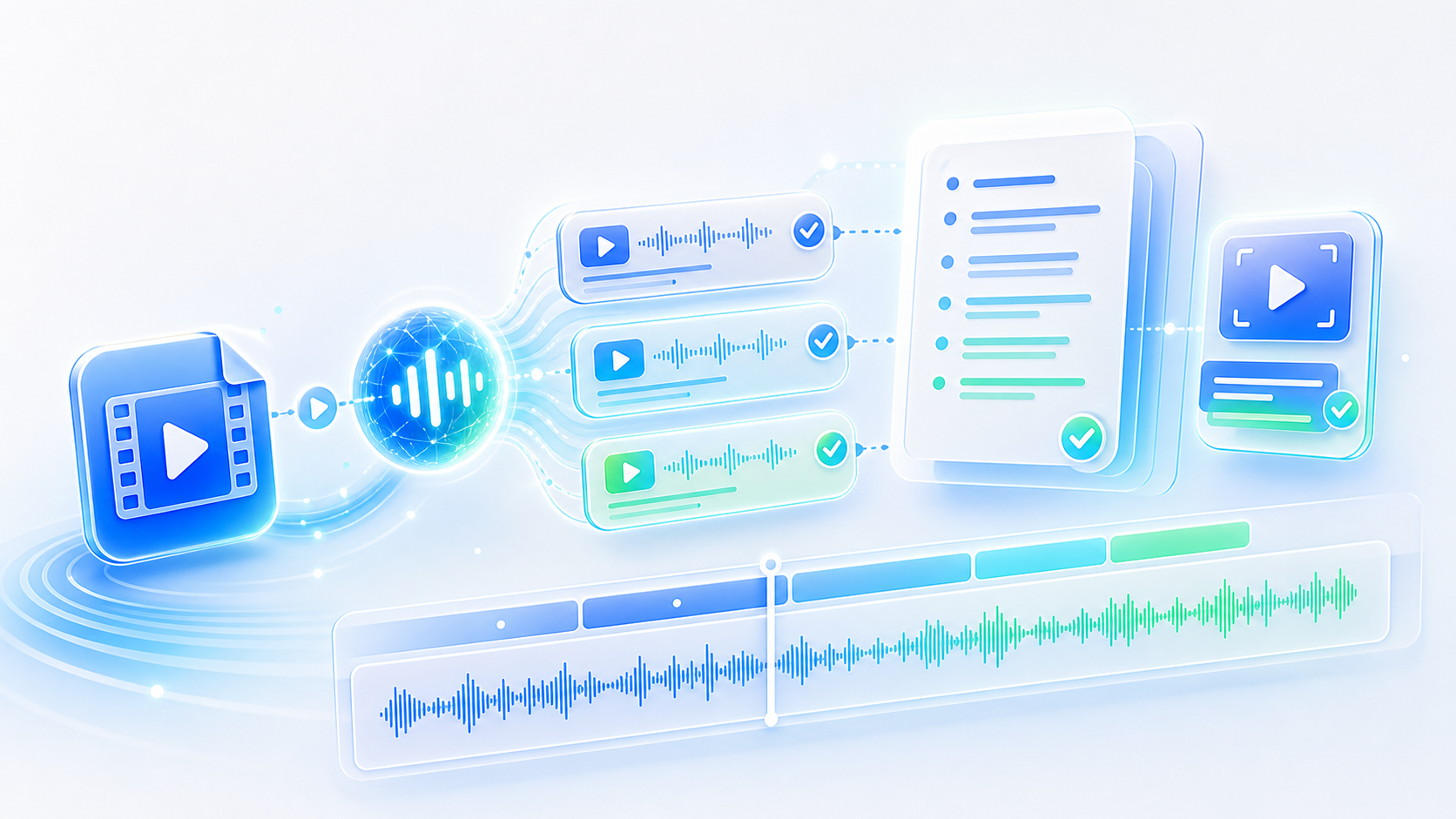
A live microphone beside a recording being transcribed later
Speech to Text

Speech to Text

@tiktranscript

The room is part of the recording

Air conditioning, a corridor outside, a phone buzzing against a table: all of it lands in the same track as the voice and competes for attention. Moving a seat away from a wall or closing a door costs nothing and improves the text more than later correction. Speech recognition has no way to know which sound was meant to be the speaker.
Write Down What Was Said
An office doorway closed to keep hallway noise out of a recording
Speech to Text

Speech to Text

@tiktranscript

Captions make speech usable without sound

A great deal of spoken material is watched with the sound off: on a train, in a shared office, in a room where someone is sleeping. Written lines let that audience in without the volume. This is the quiet advantage of a speech to text converter run over video: the same pass that produces a transcript also produces the caption file that makes the recording watchable in silence.
Write Down What Was Said
A video playing with captions on in a quiet room
Speech to Text

Speech to Text

@tiktranscript

Overlapping talk is the hard case

Two people taking turns read cleanly in text. Three people finishing each other's sentences do not, because there is no gap for the speaker change to land in. Where that matters, the useful habit is to summarise the tangle in one line and mark the timestamp, rather than attempting a word-for-word rendering of a passage nobody could follow in the room either.
Write Down What Was Said
Speakers talking over each other with overlapping waveform peaks
Speech to Text

Speech to Text

@tiktranscript

Accents are a smaller problem than pace

Speech to text systems have grown used to a wide range of accents, and unfamiliar pronunciation is rarely the reason a line comes out wrong. Speed is what causes trouble: a fast talker who never pauses gives the engine nothing to divide sentences with. Slowing down slightly at the start of a name or a figure is more effective than repeating the whole passage afterwards.
Write Down What Was Said
A speaker slowing down to pronounce a term clearly
Speech to Text

Speech to Text

@tiktranscript

A transcript is a record, not a replacement

Written speech loses tone: the hesitation, the joke delivered flat, the warmth in a difficult answer. Keeping the audio alongside the text is what preserves both. The transcript is there to be searched, quoted, and filed; the recording remains the thing that proves how something was said, and the two together are more useful than either alone.
Write Down What Was Said
An audio file stored beside its written transcript

How to Convert Speech Into Text

Three steps from someone talking to a document you can file.

Step 1

Bring the speech in

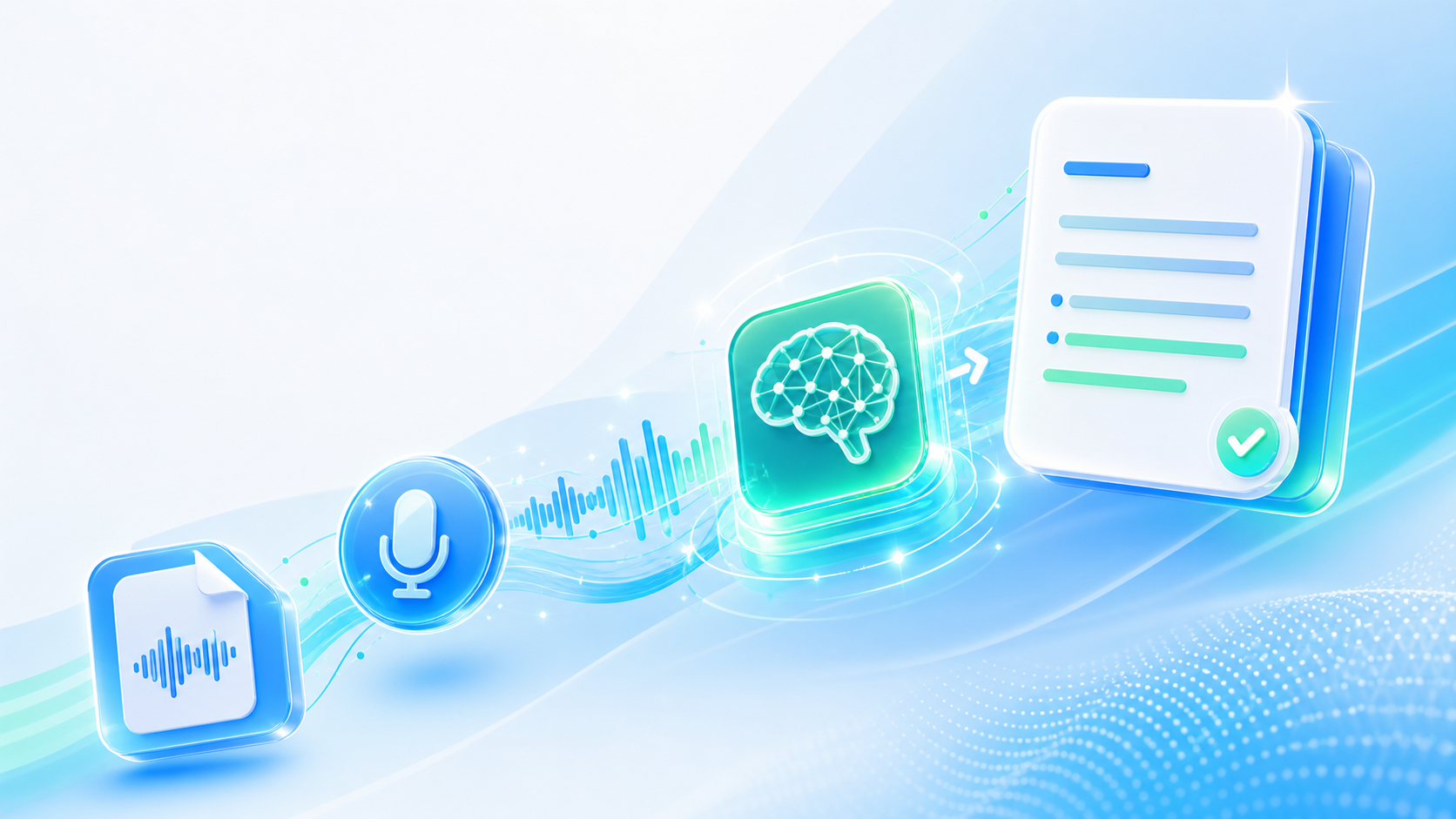
Open the microphone for live capture, or upload the recording afterwards if the talking has already happened somewhere else.

Step 2

Watch the text arrive

Speech becomes written lines with timestamps and speaker labels, appearing on the page as the work is done.

Step 3

Use it anywhere

Copy passages straight from the page, or export the finished transcript as TXT, SRT, VTT, or Word.

Who Runs Speech Through a Converter

Four people whose work involves a great deal of talking being written down.

EM

Elena Marchetti

Conference Producer

Sessions get recorded and published, and a speech to text pass gives us the summary, the quotes, and the caption file from one upload. It saves a day of work per event.

SB

Samuel Boateng

User Researcher

Interviews run long and the useful sentences hide in the middle. Searching a transcript for a phrase beats listening back through every session.

IH

Ingrid Halvorsen

Video Producer

I cut documentaries, and the transcript is how I plan an edit. Reading the conversation tells me where the story is long before I start moving clips around.

DO

Daniel Ortiz

Support Team Lead

Escalation calls get recorded for training. Converting them to text means a new hire can read ten of them in the time it takes to listen to one.

Questions About Speech to Text

Answers on live capture, file formats, accuracy, and how the output can be used.

Turn Talk Into Something You Can Read

Meetings, lectures, interviews, calls: send the speech once and let a speech to text conversion put it on the page where it can be used.

Write Down What Was Said
Speech to Text

Nothing Said Has to Be Lost

A recording preserves the moment. A transcript makes it usable. Between them, spoken words stop disappearing into an archive.