AI YouTube Transcript Generator
YouTube Videos

AI YouTube Transcript Generator

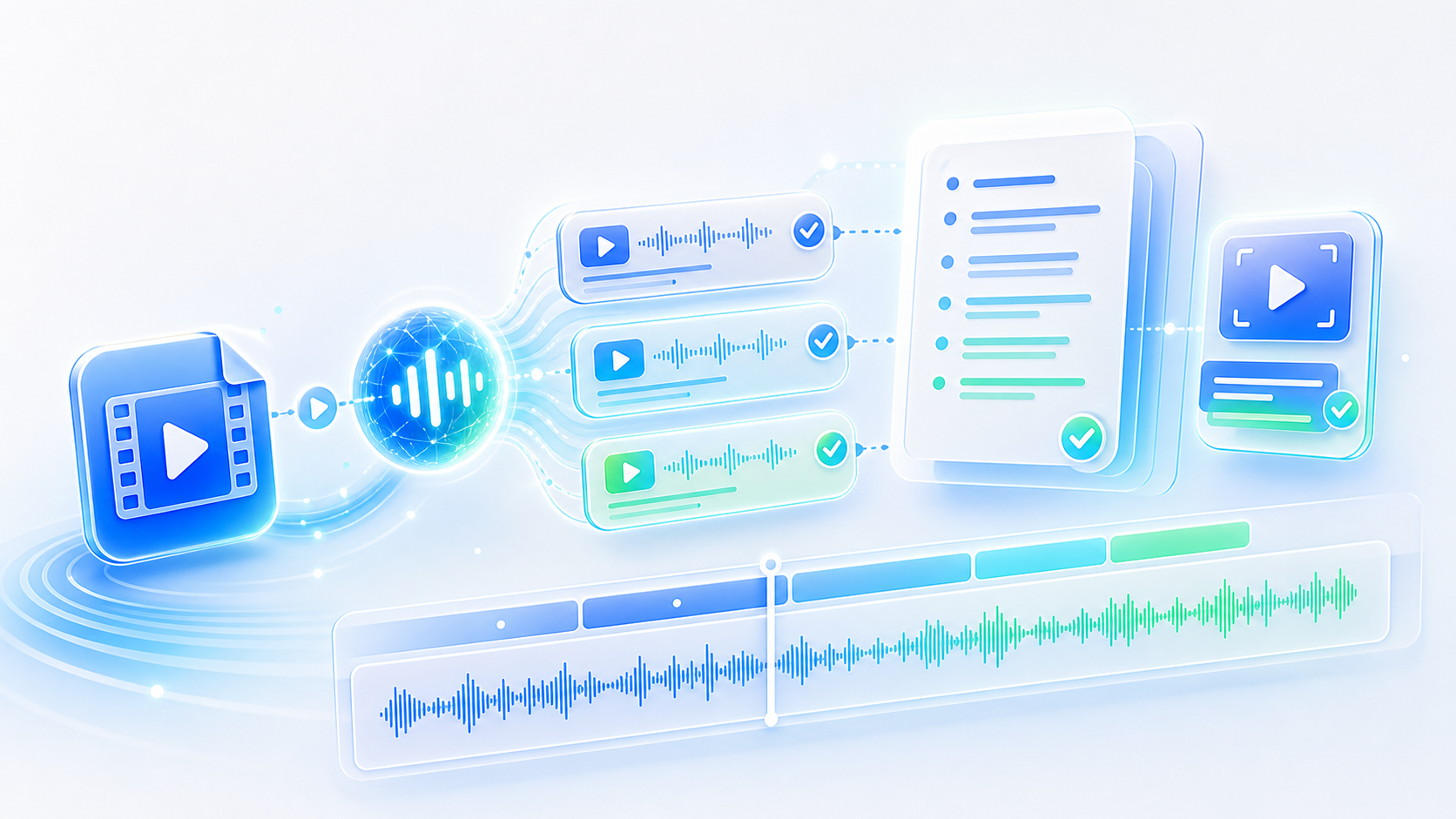
Paste a video link and an AI YouTube transcript generator writes the spoken words into text, timed line by line, working equally well on videos that never had captions in the first place.

  • Generates from a video link
  • Captions not required
  • Timestamps on every line
  • Export TXT, SRT, VTT, Word
Generate a Transcript

What the Transcript Generator Produces

A link goes in, a document comes back.

Most of YouTube is speech, and little of it is searchable. A two-hour lecture can be watched in full or not at all, because a video has no index and no way to jump to the sentence you wanted. Auto captions, where they exist, are rough and often locked away from copying. An AI YouTube transcript generator writes the audio out. What comes back is a document with timing attached, readable in a fraction of the watch time and searchable for the phrase that mattered.

What the Generator Handles

Video sources, the structure of the output, and the ways it leaves the page.

Starts from a link

A standard video URL is enough, whether it points at an interview, a conference talk, or a lecture series.

No captions needed

The speech is written from the audio itself, so a video with automatic captions works as well as any other.

Timestamps throughout

Each line records where it sits in the video, which makes a transcript navigable and a quote traceable.

Multiple speakers labelled

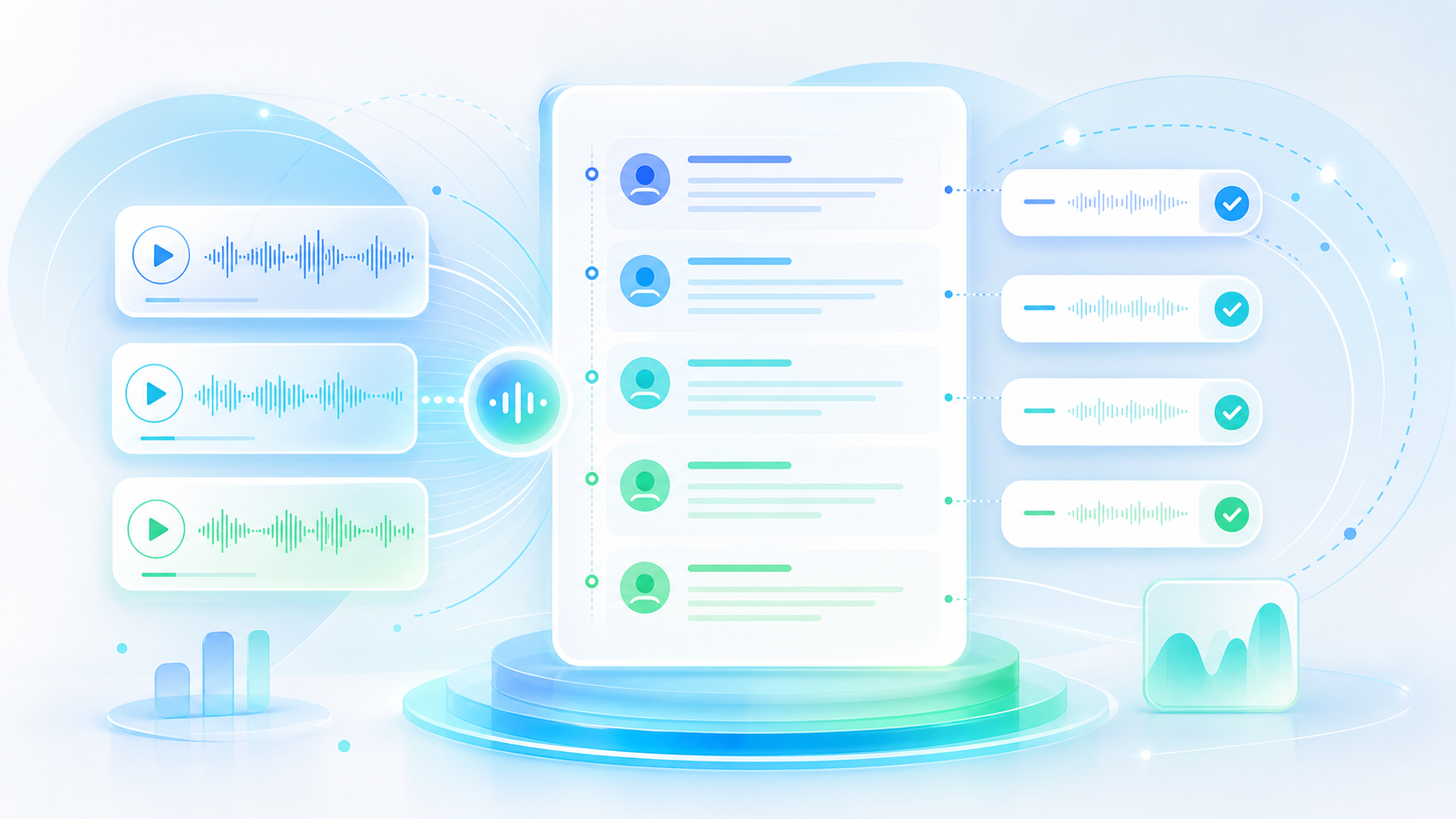
Panels and interviews come back with turns separated, so a conversation stays legible instead of one long voice.

Language taken from the audio

Whatever language the video was recorded in is the one written down, and a translation can follow from the same video.

Four formats out

Plain text for reading and quoting, SRT or VTT for subtitles, Word when the document goes somewhere formal.

AI YouTube Transcript Generator

AI YouTube Transcript Generator

@tiktranscript

Not every video has usable captions

Auto captions exist on plenty of uploads and are missing on plenty more, and where they do exist they are rarely clean enough to quote. Speaker changes go unmarked, technical words arrive mangled, and copying the text out is often blocked altogether. Generating an AI YouTube transcript writes the words from the audio directly rather than borrowing whatever the platform happened to produce.
Write Out a Video

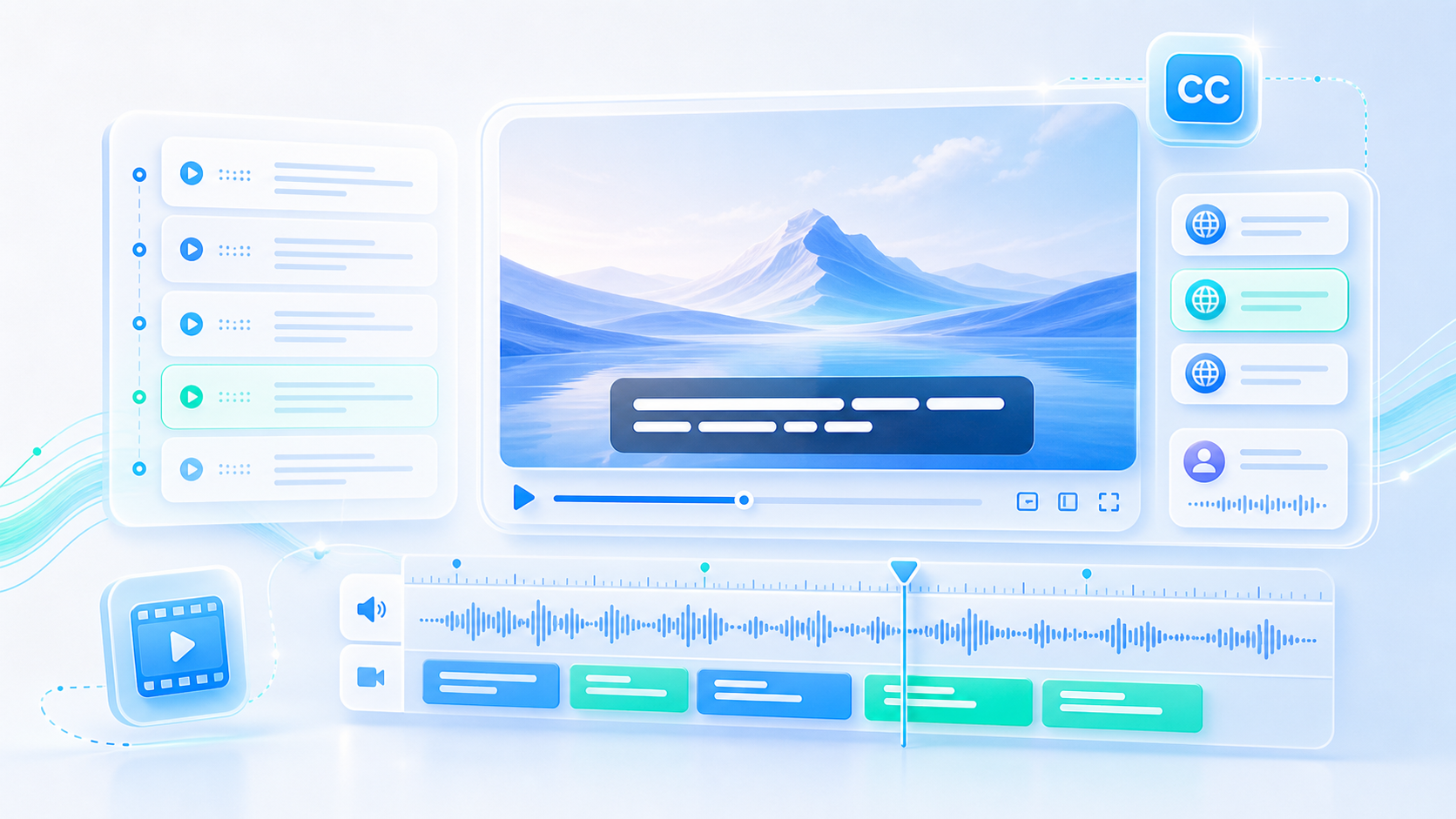
Rough automatic captions beside a clean generated transcript
AI YouTube Transcript Generator

AI YouTube Transcript Generator

@tiktranscript

Reading a two-hour talk in ten minutes

Nobody watches an hour of video to find out whether an argument is relevant. A transcript can be skimmed: read the opening, drop down to the section headings the speaker announced, and the shape of the whole thing appears quickly. That habit is what makes long recordings usable at all in a working week, whether they are lectures or conference sessions.
Write Out a Video
A long talk skimmed through in a written transcript
AI YouTube Transcript Generator

AI YouTube Transcript Generator

@tiktranscript

Translating without re-recording

A YouTube transcript can be translated into another language after the fact, which is often cheaper and faster than recording narration again. The translation reads as a written document rather than sounding like a voiceover, and it can often be shipped as subtitles so viewers get the video in the language they actually think in.
Write Out a Video
One video transcript available in several written languages
AI YouTube Transcript Generator

AI YouTube Transcript Generator

@tiktranscript

Your own channel deserves a transcript

Creators usually know what is in their own videos and rarely have it written down. Generating transcripts for an archive gives every past upload a searchable description, supplies the words for a blog version, and produces caption files for re-uploads. Doing a batch once means the channel has text behind it rather than audio alone, which is a different asset entirely.
Write Out a Video
A channel archive with a transcript stored beside each video
AI YouTube Transcript Generator

AI YouTube Transcript Generator

@tiktranscript

Transcripts are fairer to a speaker

Quoting someone from a video without checking the wording is how a reasonable sentence turns into a controversial one. A transcript makes verification quick, which protects both the person being quoted and whoever is doing the quoting. It is the difference between reporting what was said and reporting an impression of what was said.
Write Out a Video
A quote being checked against the words in a transcript
AI YouTube Transcript Generator

AI YouTube Transcript Generator

@tiktranscript

Accessibility is not optional

Some viewers cannot use audio at all, and they are poorly served by auto captions that mangle names and skip punctuation. A clean AI YouTube transcript exported as SRT or VTT fixes that for the video itself, and leaves behind a readable document for anyone who prefers to take information in by reading it.
Write Out a Video
A video watched with accurate subtitles on screen

How to Generate a YouTube Transcript

Three steps between a video and a document you can search.

Step 1

Paste the video link

Copy the URL from the browser or the share menu and drop it into the field, with no account setup to get through first.

Step 2

Wait for the text

The speech is written out in timed lines, and the result appears on the page once the audio has been worked through.

Step 3

Read or export

Search the transcript on the page, or export the finished result as TXT, SRT, VTT, or Word.

Who Generates Transcripts

Four people who needed the text behind a video.

OG

Oliver Grant

Doctoral Researcher

Lecture series are the backbone of my reading, and an AI YouTube transcript generator means I can search a whole term of talks for one term instead of replaying them.

BA

Beatriz Alves

Content Marketer

Webinars get turned into articles constantly. Generating the transcript first gives me the structure and the quotes, and writing from it takes an afternoon rather than a week.

HC

Henry Cole

Course Creator

Every lesson on the channel now has a transcript underneath it. Students find the answers through search, and I get better indexing from the same work.

ML

Mei Lin

Localisation Manager

We ship subtitles in eight languages. Getting a clean transcript out of the source video is the first step, and it decides how the whole rest of the process goes.

Questions About Generating Transcripts

Answers on links, long videos, accuracy, and what the output can be used for.

Turn a Video Into Something Searchable

The talk, the lecture, the webinar you keep meaning to revisit: paste the link and let an AI YouTube transcript generator put the words on the page.

Write Out a Video
AI YouTube Transcript Generator

Video Is Slow, Text Is Quick

An hour of talking becomes a document that can be skimmed in minutes, quoted accurately, and found again by search.