Audio to Text Converter
Audio to Text

Audio to Text Converter

Send an audio file to an audio to text converter and get a transcript carrying timestamps and speaker labels, produced in the browser with nothing to install.

  • MP3, WAV, M4A, and more
  • Speakers grouped as they talk
  • Exports TXT, SRT, VTT, Word
  • Phone or desktop browser
Transcribe an Audio File

What an Audio to Text Converter Produces

A recording goes in, a document comes back.

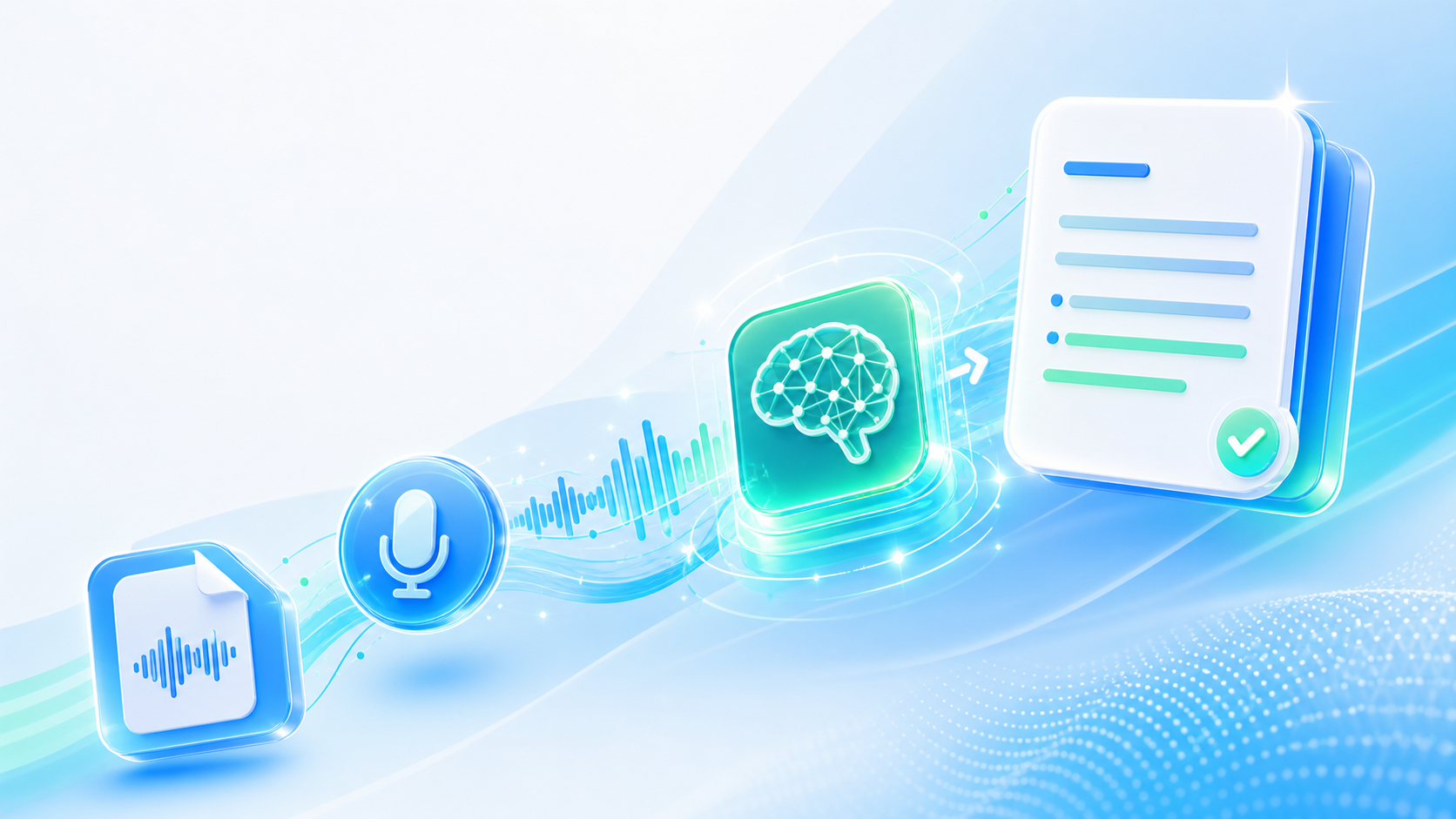
Sound stores information in a shape you cannot skim or search. A ninety-minute interview is a ninety-minute commitment every time one sentence is needed, and that sentence is never at the front. An audio to text converter reads the file and writes down what was said, cutting the result into timestamped lines and grouping them by the person speaking. What arrives is an ordinary document that opens in any editor, so a recording finally behaves like material you can quote from.

What the Converter Covers

Input formats, structure inside the output, and the ways the text travels out.

Loads from disk or a link

Send MP3, WAV, M4A, AAC, OGG, or FLAC from a phone or a computer; long files go up unsplit.

Each speaker gets a label

A two-person conversation returns as labelled dialogue rather than an undivided wall of text you untangle by ear.

Line-level timestamps

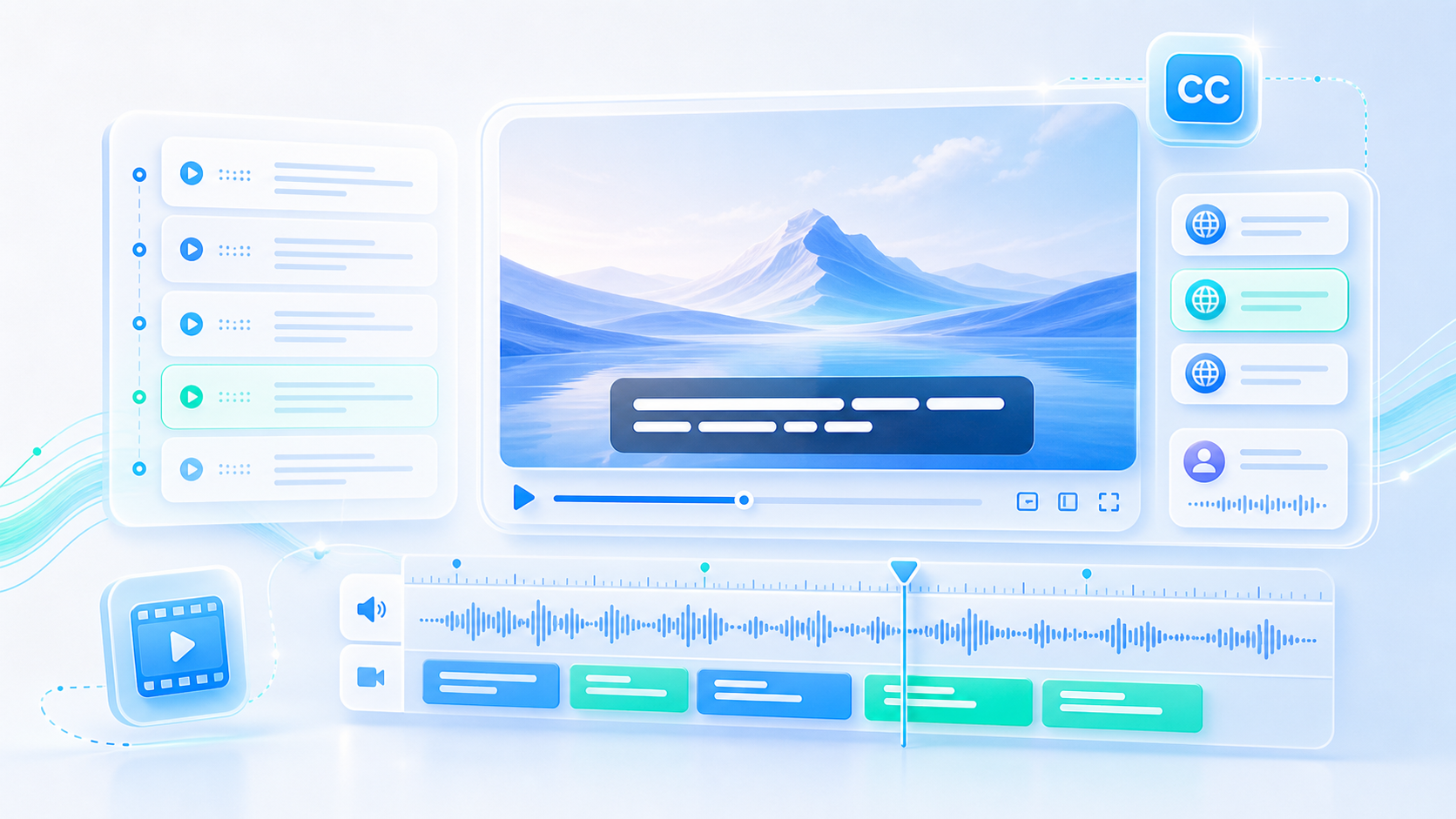
Every line records the moment it was spoken, so captioning and video editing become a matter of copying numbers.

Speech language read from the file

The recording decides how the words are written, and the same upload can then be translated into another language.

Four ways out

Plain text for notes, SRT or VTT for subtitles, Word when the transcript goes to someone else.

Read along on the page

The text sits beside the audio: follow it while listening, jump to a moment, and lift a passage without saving anything.

Audio to Text Converter

Audio to Text Converter

@tiktranscript

Not every recording arrives equally clear

A voice memo made in a quiet room converts closely. The same words captured at a conference table bring chairs, cutlery, and a second conversation two seats away. An audio to text converter works from the signal it is handed, so send the cleanest version you own, and next time the choice is yours, sit closer to the microphone.
Turn a Recording Into Text
Microphone in a quiet room picking up a single voice
Audio to Text Converter

Audio to Text Converter

@tiktranscript

Name the file before you upload

A folder of files called recording-1 and recording-2 is useless a year later. Renaming takes seconds, and the transcript inherits the name, so lecture-2026-04-02.txt ends up beside the audio it describes. Anyone opening that folder afterwards sees which text belongs to which sound without playing anything.
Turn a Recording Into Text
Audio files named carefully in a folder next to their transcripts
Audio to Text Converter

Audio to Text Converter

@tiktranscript

One voice and a panel are different jobs

A solo recording needs no speaker separation and reads like a monologue, which suits a dictation, a voice note, or a lecture. Group discussions are the harder case: people interrupt, agree over each other, and drift off the microphone. Expecting clean turn-taking from a five-person debate is optimistic; an audio to text conversion will still show who spoke and roughly when, which is usually enough to rebuild the thread.
Turn a Recording Into Text
A panel discussion with several microphones on one table
Audio to Text Converter

Audio to Text Converter

@tiktranscript

Accents, jargon, and proper nouns

Unfamiliar names are where any transcription drifts: a surname, a product code, a place spelled three ways in one meeting. Reading the transcript against the audio once catches most of them, and the fix is a quick edit rather than a re-run. Repeated misreadings of the same word usually point at the audio quality, not at the words themselves.
Turn a Recording Into Text
A transcript being corrected while the audio plays
Audio to Text Converter

Audio to Text Converter

@tiktranscript

Long recordings read differently

Give the converter three hours and you get three hours of text back, which is a document nobody reads front to back. With timestamps in place, the practical approach is to skim for the marker lines, then listen only around them. Splitting a marathon session into named chunks before uploading does the same work in advance and keeps each resulting file usable on its own.
Turn a Recording Into Text
A long timeline split into named sections for transcription
Audio to Text Converter

Audio to Text Converter

@tiktranscript

The timestamps are the lasting part

Plain words in a block are hard to navigate once the recording is gone from memory. Timestamps survive that: they let a colleague find minute forty-one of a call, let a caption file line up with a video, and let an audio clip be cut at the exact sentence a client asked about. Words without them summarise a conversation; words with them map it.
Turn a Recording Into Text
Timestamped transcript lines aligned with an audio waveform

How to Convert Audio to Text

Three moves between a recording and an audio to text document you can work from.

Step 1

Add the recording

Pick an audio file from the device or paste a link; the upload reports its own progress.

Step 2

Wait for the text

Lines come back timestamped and grouped by speaker, appearing on the same page without a reload.

Step 3

Take it with you

Copy a paragraph straight from the page, or export the finished transcript as TXT, SRT, VTT, or Word.

Who Runs Audio Through a Converter

Four people who had sound on their hands and needed words instead.

MK

Marta Kowalczyk

Freelance Journalist

Interviews come home on a recorder and sit there until deadline week. Sending them through in batches means an audio to text conversion I can quote from, instead of replaying forty minutes hunting for one answer.

DO

Derek Osei

Graduate Student

Seminar recordings piled up all term. I upload each one the day after class and revise from the text, which is far faster than scrubbing through a two-hour WAV.

PL

Petra Lindqvist

Accessibility Coordinator

Recordings of talks have to become readable documents for colleagues who cannot use audio at all. Timestamped lines and a Word export cover exactly what those documents need.

HF

Hugo Ferreira

Podcast Editor

I pull the transcript before editing, so I can plan the episode from the page and mark the points worth keeping rather than listening straight through.

Questions About Sending Audio In

Answers on formats, quality, languages, and what happens to a file afterwards.

Give a Recording a Second Life as Text

The interview, the lecture, the voice note you keep meaning to revisit: send it once and run an audio to text conversion instead of replaying it.

Turn a Recording Into Text
Audio to Text Converter

Keep the Part You Can Search

Sound is hard to quote and impossible to skim. Written down, the same recording becomes something you can find your way around.