TikTok to Transcript
TikTok Video

TikTok to Transcript

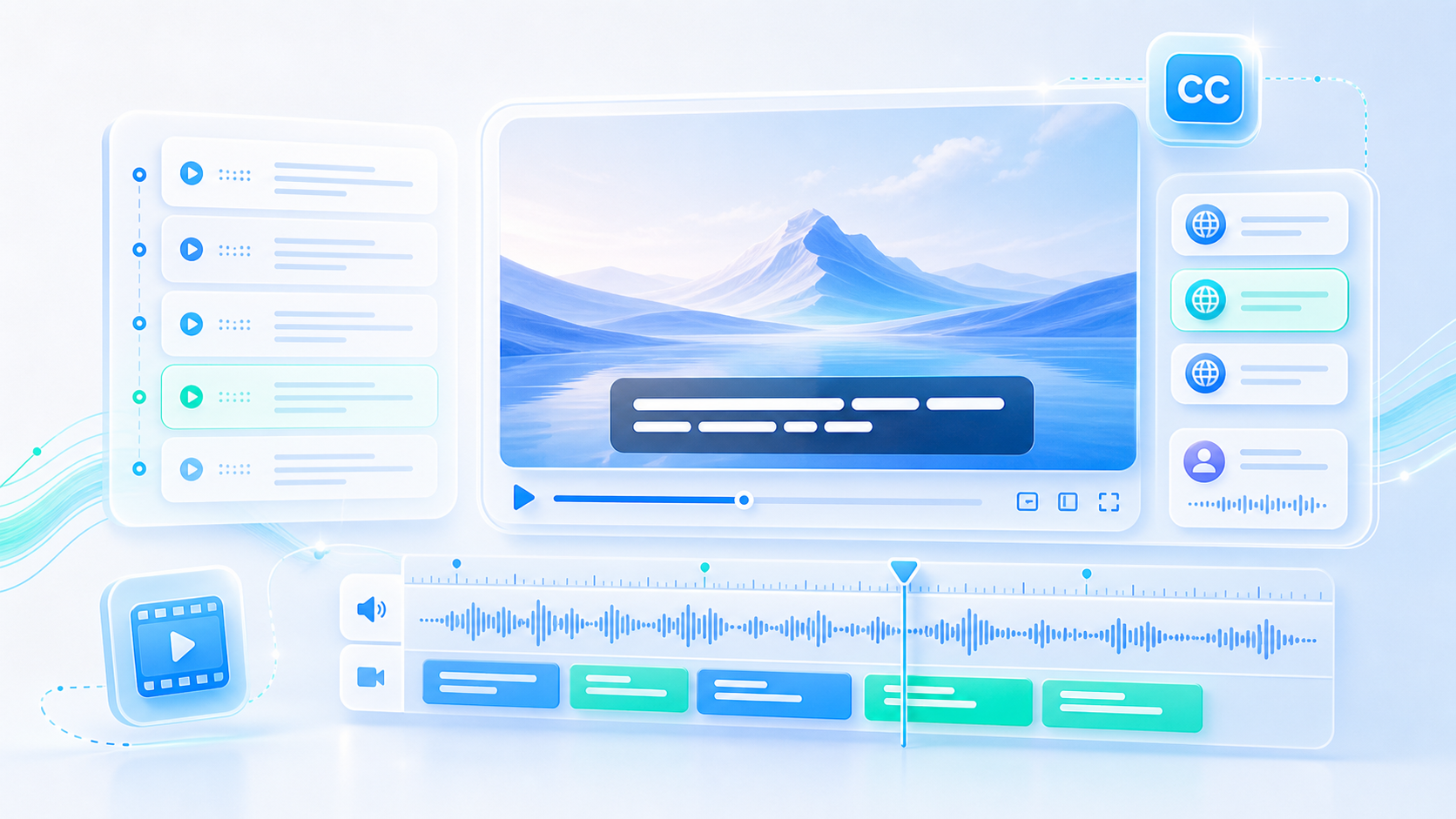
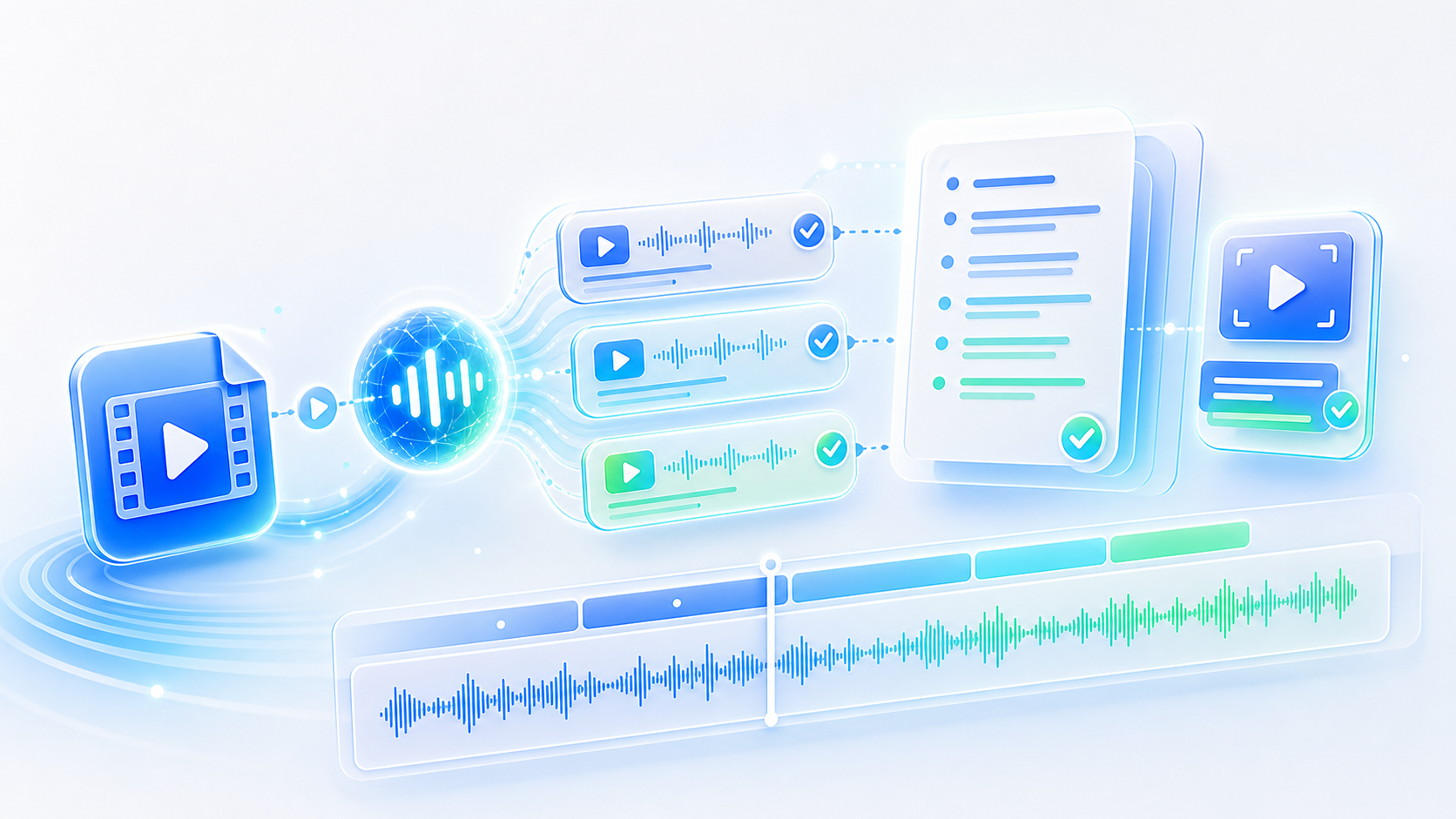
Hand a TikTok video to a TikTok to transcript tool and get the spoken words back as text, split into timed lines and ready for captions, quotes, or a longer piece written from the same material.

  • Starts from a video link
  • Talking clips and tutorials
  • Timed lines for captions
  • Export TXT, SRT, VTT, Word
Transcribe a TikTok

What a TikTok Transcript Is For

A clip is watched once and forgotten. The words can be filed.

TikTok rewards speech delivered fast and thrown away immediately. A creator explains something in forty seconds, the clip does its numbers, and the explanation is gone: too short to search, too fast to note down, and buried under everything posted after it. A TikTok to transcript pass rescues that explanation. The words come out in order, in writing, which means a video can be captioned, quoted in an article, or referred back to when the same question arrives in the comments.

What the TikTok Transcript Tool Delivers

Getting the clip in, writing down what was said, and handing the text back.

Works from the link

Paste the video URL and the audio is pulled straight from the post, with nothing to download first.

Or from a file

Downloaded clips and screen recordings upload as MP4, and the audio inside them runs through the same TikTok to transcript pass.

Split into caption lines

Each line carries its own timing, which is what a subtitle track needs to sit on screen.

Duets and stitches handled

Two voices in one clip are separated and labelled, so who said what stays clear.

Text you can reuse

Copy the words into a script, a blog post, or a comment reply without rewatching the clip.

Four export formats

TXT for reading, SRT and VTT for captions, and Word when the transcript goes to an editor.

TikTok to Transcript

TikTok to Transcript

@tiktranscript

Short video travels further written down

A clip lives inside one platform and is watched by whoever the feed happens to show it to. The same explanation in text goes anywhere: a blog post, a newsletter, a slide, an answer to a customer email. Running a TikTok to transcript over the clips that already explained something well is how a body of short videos turns into usable material rather than a scrolling archive.
Write Down a Short Clip


Short clips being turned into written articles
TikTok to Transcript

TikTok to Transcript

@tiktranscript

Music is the first problem

TikTok clips rarely arrive clean. A trending sound sits under the voice, sometimes loudly enough to compete line by line, and lyrics get written down as if they were speech. Where an accurate transcript matters, recording the same explanation again without the track takes a minute and saves considerably more time than that in cleaning up afterwards.
Write Down a Short Clip
A loud music track competing with a voice on an audio track
TikTok to Transcript

TikTok to Transcript

@tiktranscript

Talking clips are the useful ones

A clip built on a trend sound and a one-line joke has almost nothing to transcribe. A sixty-second explanation of how something works has several sentences of real content and is worth writing down on its own. Sorting the archive by that distinction before starting is more useful than transcribing everything and then discovering that half of it was music.
Write Down a Short Clip
Talking-head clips separated from music-only clips
TikTok to Transcript

TikTok to Transcript

@tiktranscript

Comments reveal what to transcribe

The questions under a video are a free list of what the audience did not understand. Where the same thing is asked repeatedly, the answer is usually somewhere in the clip already, and pulling a TikTok to transcript makes it simple to lift that passage into a written reply, a pinned comment, or a follow-up video script.
Write Down a Short Clip
A comments section full of repeated questions under a video
TikTok to Transcript

TikTok to Transcript

@tiktranscript

Captions beat watching on mute

A large share of TikTok is watched with the sound off, in queues and waiting rooms and shared offices. A clip with no readable words loses everyone watching that way. Subtitles generated from a transcript fix it in one pass, and the same file serves the platform's own player as well as any copy posted elsewhere.
Write Down a Short Clip
A short video playing with captions in a public place
TikTok to Transcript

TikTok to Transcript

@tiktranscript

Crediting the creator

Transcribing someone else's video produces their words, and reusing them without the name attached is both unfair and shortsighted. A written quote with a clear source travels further than an anonymous one, and on a platform where people notice, keeping the credit in place is how a working relationship with creators survives being useful.
Write Down a Short Clip
A written quote displayed with the original creator named

How to Transcribe a TikTok Video

Three steps from a short clip to words that outlast it.

Step 1

Add the clip

Paste the link to a public post, or upload the video file when the clip is already saved on the device.

Step 2

Let it write

The speech is transcribed with timing, and the lines appear on the page as the audio is worked through.

Step 3

Use the words

Copy the text straight from the page, or export the TikTok to transcript result as TXT, SRT, VTT, or Word.

Who Transcribes TikTok Videos

Four people who needed the words out of a short clip.

PR

Priya Raman

Brand Social Lead

We post several clips a week and need captions on all of them. Starting with a TikTok to transcript means the subtitle file exists before the edit is finished.

JW

Jonas Weber

Newsletter Writer

I find creators explaining things better than I could and quote them with credit. Without a transcript I would be paraphrasing from memory, which is how mistakes get published.

AD

Amara Diallo

Agency Producer

Client briefs sometimes arrive as a video rather than a document. Transcribing the clip gives the whole team the same written version to work from.

FN

Felix Nguyen

Creator

I write my scripts from the transcripts of my own older videos. If a clip did well, the phrasing in it is worth reusing rather than reinventing.

Questions About TikTok Transcripts

Answers on links, music, private posts, and how the text can be used.

Keep What the Clip Actually Said

The explanation was good enough to stop someone scrolling. Write it down and it can keep working long after the clip stops being shown to anyone.

Write Down a Short Clip
TikTok to Transcript

A Clip Is Brief, the Words Need Not Be

Short video disappears down the feed within a day. Written out, the same explanation stays quotable, captionable, and findable.