MP3 Converter
Audio Conversion

MP3 Converter

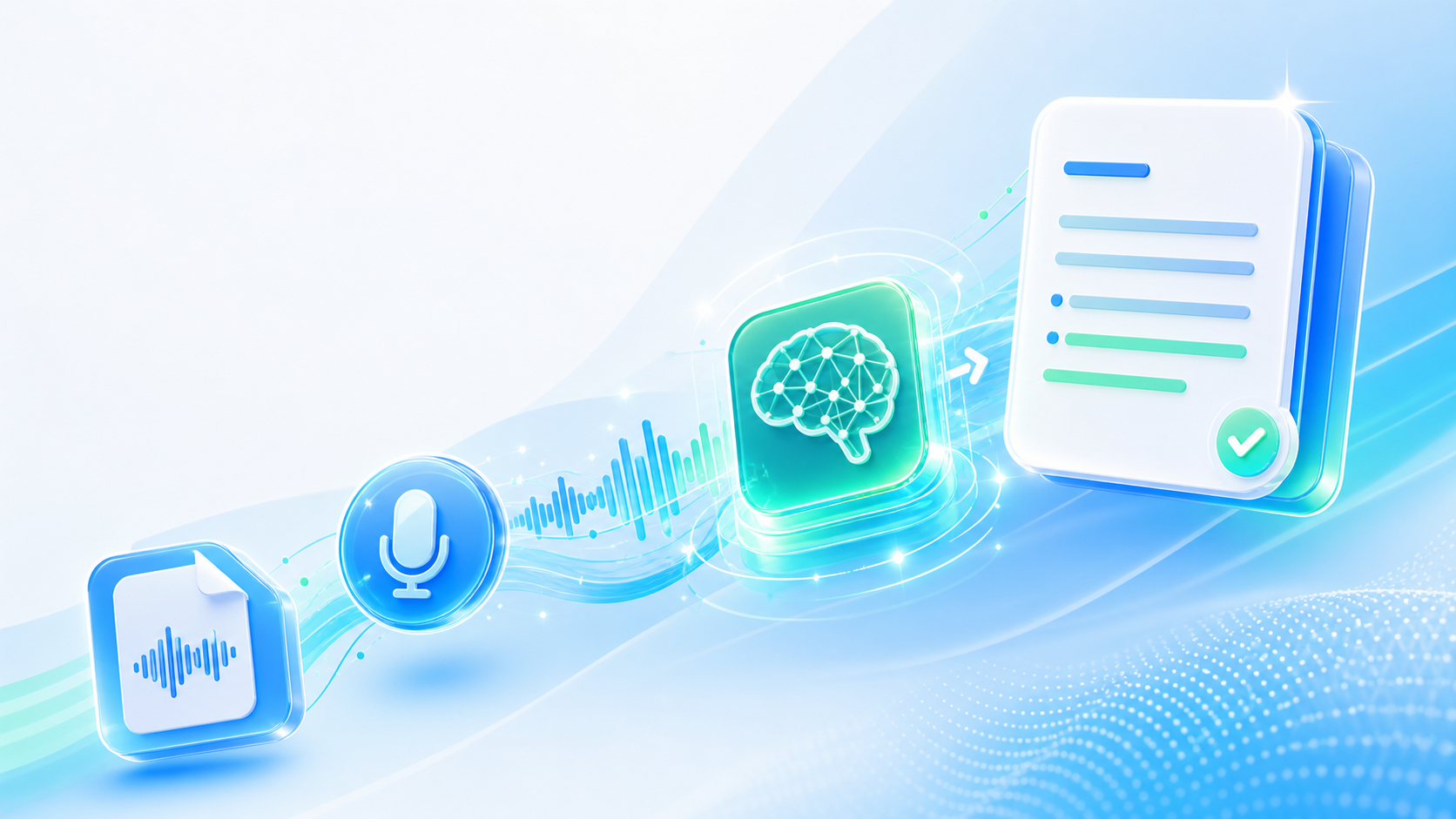
An MP3 converter that takes the audio formats other players ignore and returns a single MP3 file, at a bitrate you choose and a file size you can live with.

  • WAV, FLAC, M4A, OGG, and AAC
  • Video files as well as audio
  • Bitrate and file size control
  • No software installed
Convert to MP3

Why MP3 Still Wins

It is old, lossy, and accepted by absolutely everything.

Better audio formats have existed for years and none of them has displaced MP3, because compatibility beats quality in almost every practical situation. A car stereo from 2008, a conference system, an old phone, a manufacturer's website: all of them take an MP3 and none of them reliably takes anything else. An MP3 converter is therefore less about audio engineering than about getting a file to work where it needs to. The tracks are already recorded; the only problem is the container they arrived in.

What the MP3 Converter Accepts

Input formats, output settings, and the details that come along.

Common audio formats

WAV, FLAC, M4A, AAC, OGG, and AIFF are all converted, whether the file came from a recorder or an editor.

Audio pulled from video

MP4, MOV, and similar files give up their audio track and return it as an MP3 without a separate extraction step.

Bitrate you decide

Choose between a small file for a phone and a larger one for a sound system, rather than accepting a single default.

Sample rate and channels

Stereo kept or folded to mono, which halves the file size for speech that was never in stereo to begin with.

Tags carried across

Title, artist, and album information travels with the file where the original held it, so libraries stay organised.

Several files in one go

A folder of tracks can be handed over together, which matters when a whole album or lecture series needs converting.

MP3 Converter

MP3 Converter

@tiktranscript

Bitrate is the only setting that matters much

An MP3 converter offers sample rate, channel mode, and a few other switches, but bitrate does almost all the work. At 320 kbps the result is close to the source for music. At 128 kbps it is noticeably thinner and still entirely adequate for speech. Most of the confusion around converting files comes from a setting that could reasonably be ignored altogether.
Convert Audio to MP3
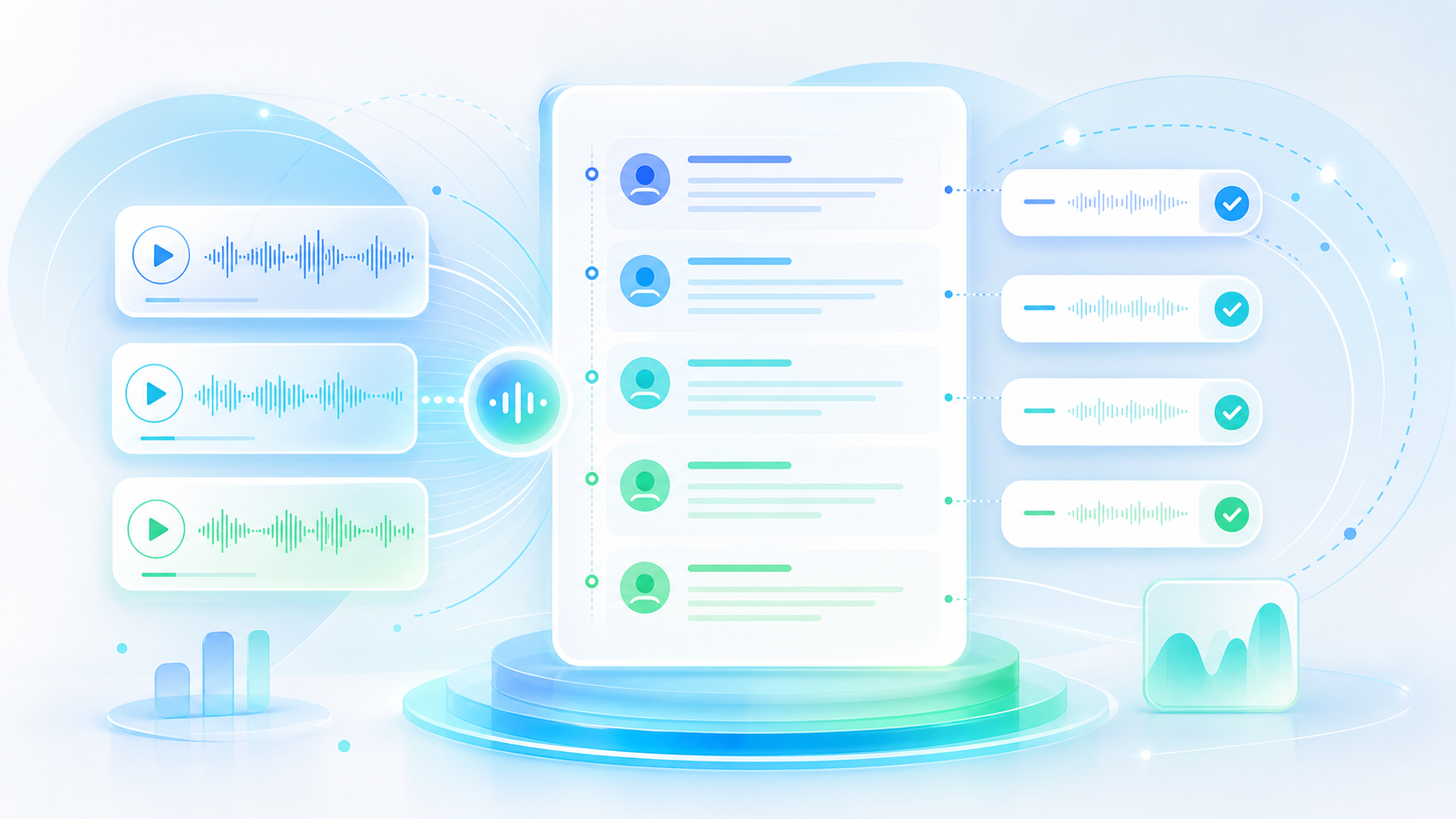
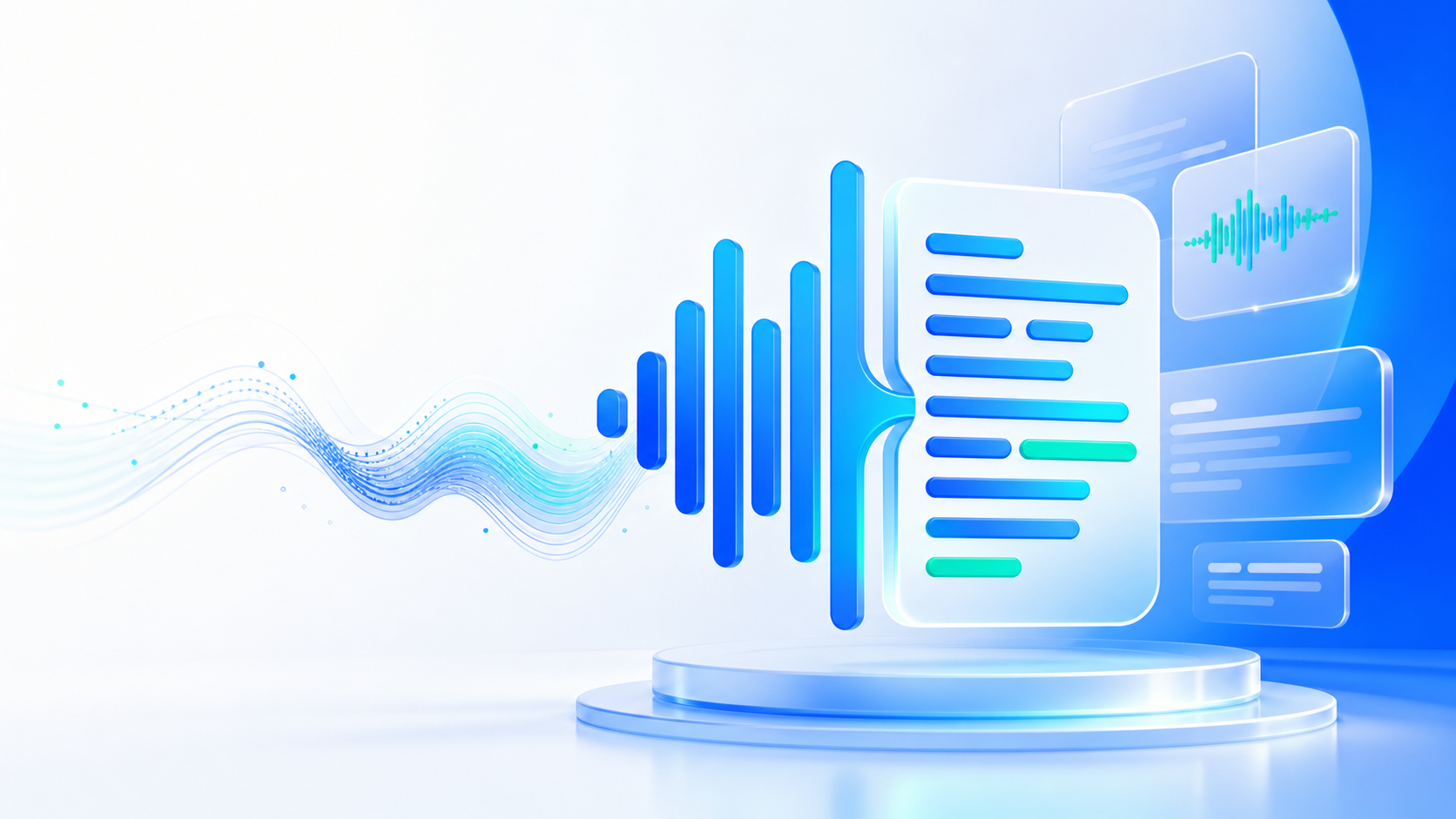
Bitrate settings compared side by side for music and speech
MP3 Converter

MP3 Converter

@tiktranscript

Converting an MP3 to MP3 does nothing good

Compressed audio has already thrown information away, and converting it again discards more without recovering anything. A file converted from MP3 to MP3 at a higher bitrate is larger and no better. Where the source is lossy, the honest options are to accept the file as it is or to go back to the original recording.
Convert Audio to MP3
A lossy file re-encoded into a larger but no better file
MP3 Converter

MP3 Converter

@tiktranscript

Mono halves the size of speech

A podcast or a lecture recorded on a single microphone is mono in everything but name, with the same signal duplicated across two channels. Folding it to one channel cuts the file roughly in half with no audible loss at all. An MP3 converter that offers the option is worth using on anything spoken, and rather less so on music.
Convert Audio to MP3
A duplicated stereo channel folded into a single mono channel
MP3 Converter

MP3 Converter

@tiktranscript

Video files hide an audio track

Pulling the sound out of a video is one of the most common reasons to convert anything at all. The result is an ordinary audio file that plays in a car or on a phone. Worth checking the level first: video audio is often mastered considerably quieter than a music track, and a small gain adjustment saves reaching for the volume dial constantly.
Convert Audio to MP3
An audio track extracted from a video file
MP3 Converter

MP3 Converter

@tiktranscript

Where the quality was already lost

Converting cannot add detail that was never there. A recording made on a bad microphone stays bad; a track ripped at 96 kbps stays thin. What the conversion changes is whether the file plays at all. Judging an MP3 converter by how a poor source sounds afterwards is judging the wrong part of the problem.
Convert Audio to MP3
A poor source recording unchanged by conversion
MP3 Converter

MP3 Converter

@tiktranscript

Legacy devices decide the settings

Old car stereos cap out at lower bitrates, some conferencing systems reject variable bitrate files, and a handful of hardware players will not read anything above 44.1 kHz. When a converted file refuses to play, the device is usually the limitation rather than the file being corrupt, and a second pass at 128 kbps constant bitrate usually resolves it completely.
Convert Audio to MP3
An older device rejecting a high bitrate file

How to Convert a File to MP3

Three steps between a file that will not play and one that will.

Step 1

Add the files

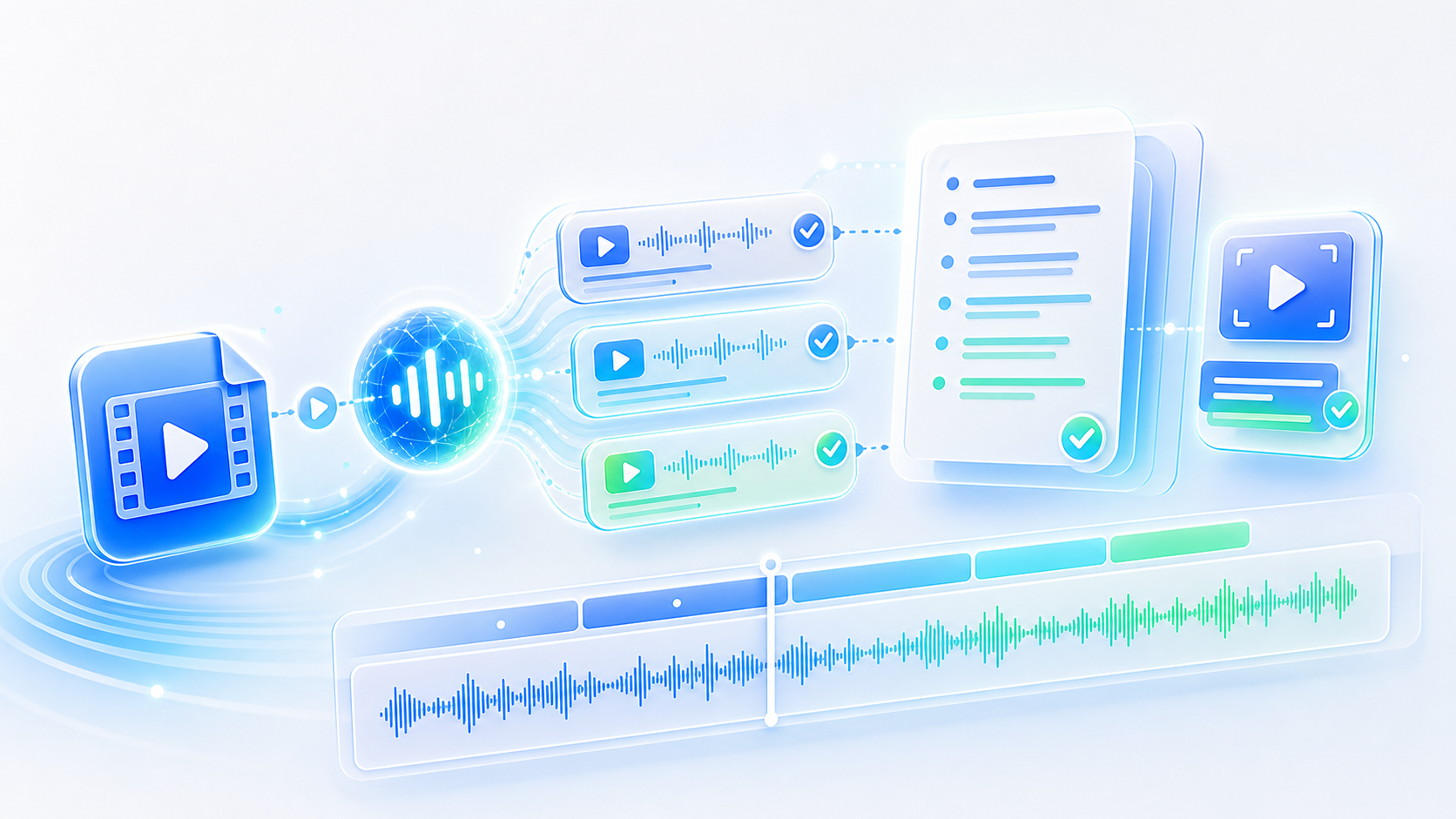
Drag in the audio or video you want converted, one file or a whole folder at a time if there are several.

Step 2

Set bitrate and channels

Pick a quality level for the destination, and fold to mono where the recording was only ever speech.

Step 3

Download the MP3s

Take the converted files as MP3s, named as they were so a long batch stays in order.

Who Converts to MP3

Four people with a file that would not play.

GW

Gerald Whelan

Wedding DJ

Clients send music in whatever format their software happened to export. An MP3 converter means everything ends up in a single format before I load the set for the night.

AB

Ayana Bekele

Lecture Coordinator

Recordings arrive as WAV, which is far too large to send anyone. Converting to mono MP3 makes an entire term of lectures fit comfortably on a phone.

PT

Paul Traynor

Field Technician

I pull the audio out of inspection videos so I can listen to them while driving between sites. The MP3 converter handles the extraction and the format change in one single step.

LR

Lucia Rossi

Community Radio Producer

Our playout system only reads MP3 files at 128 kbps. Everything else gets converted on the way in, and the playout system has never once refused a file.

Questions About MP3 Conversion

Answers on formats, quality settings, batch work, and what happens to the files.

Make the File Play Anywhere

Whatever it was exported as, an MP3 converter turns it into something that every player, car stereo, and phone already understands and plays without complaint.

Convert Audio to MP3
MP3 Converter

One Format That Everything Accepts

Audio and video in, MP3 out, at the bitrate and channel count that the destination actually needs and will reliably play.